Process
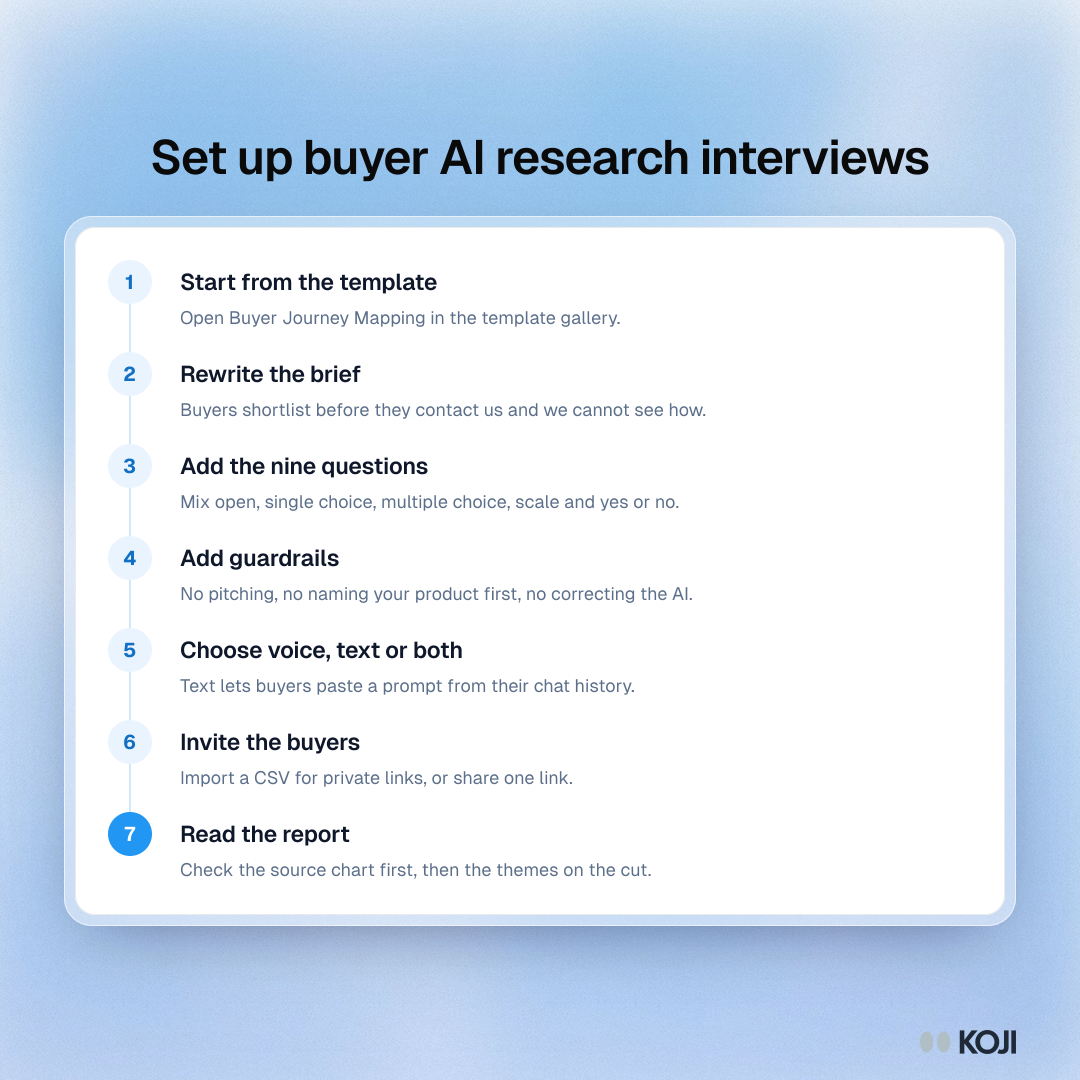
Set up buyer AI research interviews
Seven steps from template to report
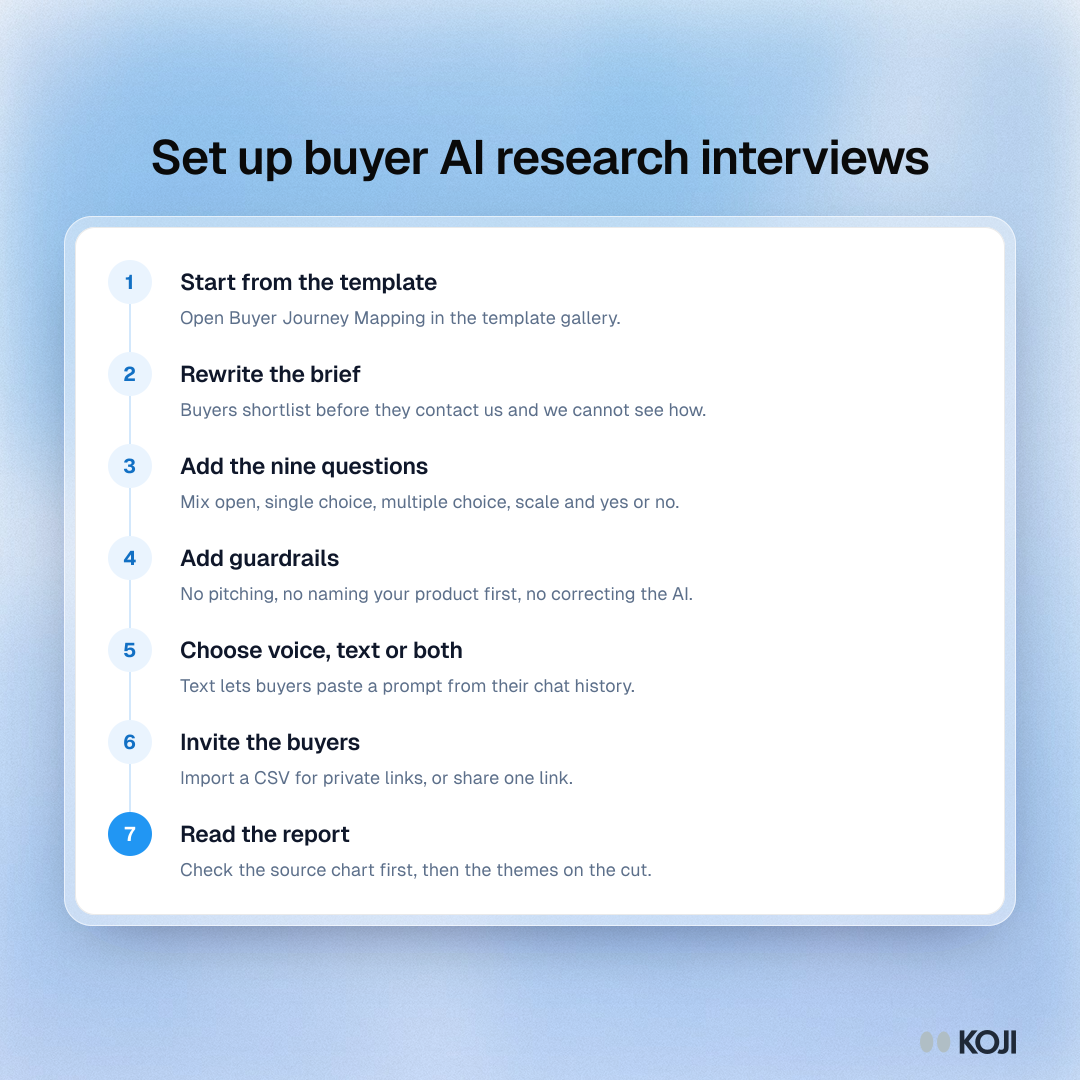
A seven-step setup for interviewing recent B2B buyers about how they used AI to build a shortlist. It suits GTM teams that want to run the study this month. Start from a journey template, rewrite the brief, add the questions and guardrails, invite buyers and read the report. The steps match the current flow in Koji.
Where this appears
What's in this process
- Start from the template: Open Buyer Journey Mapping in the template gallery.
- Rewrite the brief: Buyers shortlist before they contact us and we cannot see how.
- Add the nine questions: Mix open, single choice, multiple choice, scale and yes or no.
- Add guardrails: No pitching, no naming your product first, no correcting the AI.
- Choose voice, text or both: Text lets buyers paste a prompt from their chat history.
- Invite the buyers: Import a CSV for private links, or share one link.
- Read the report: Check the source chart first, then the themes on the cut.
Use this image
Free to use in your docs, decks and posts under CC BY 4.0, as long as you credit Koji with a link to this page. To embed it, paste this into your page:
html
<a href="https://www.koji.so/visuals/buyer-ai-research-interview-setup-steps"><img src="https://www.koji.so/visuals/buyer-ai-research-interview-setup-steps/buyer-ai-research-interview-setup-steps.png" alt="Process showing seven steps to set up buyer AI research interviews in Koji, from the template to reading the report." width="1080" height="1080" /></a>
<p>Source: <a href="https://www.koji.so/visuals/buyer-ai-research-interview-setup-steps">Set up buyer AI research interviews</a>, Koji</p>