Process
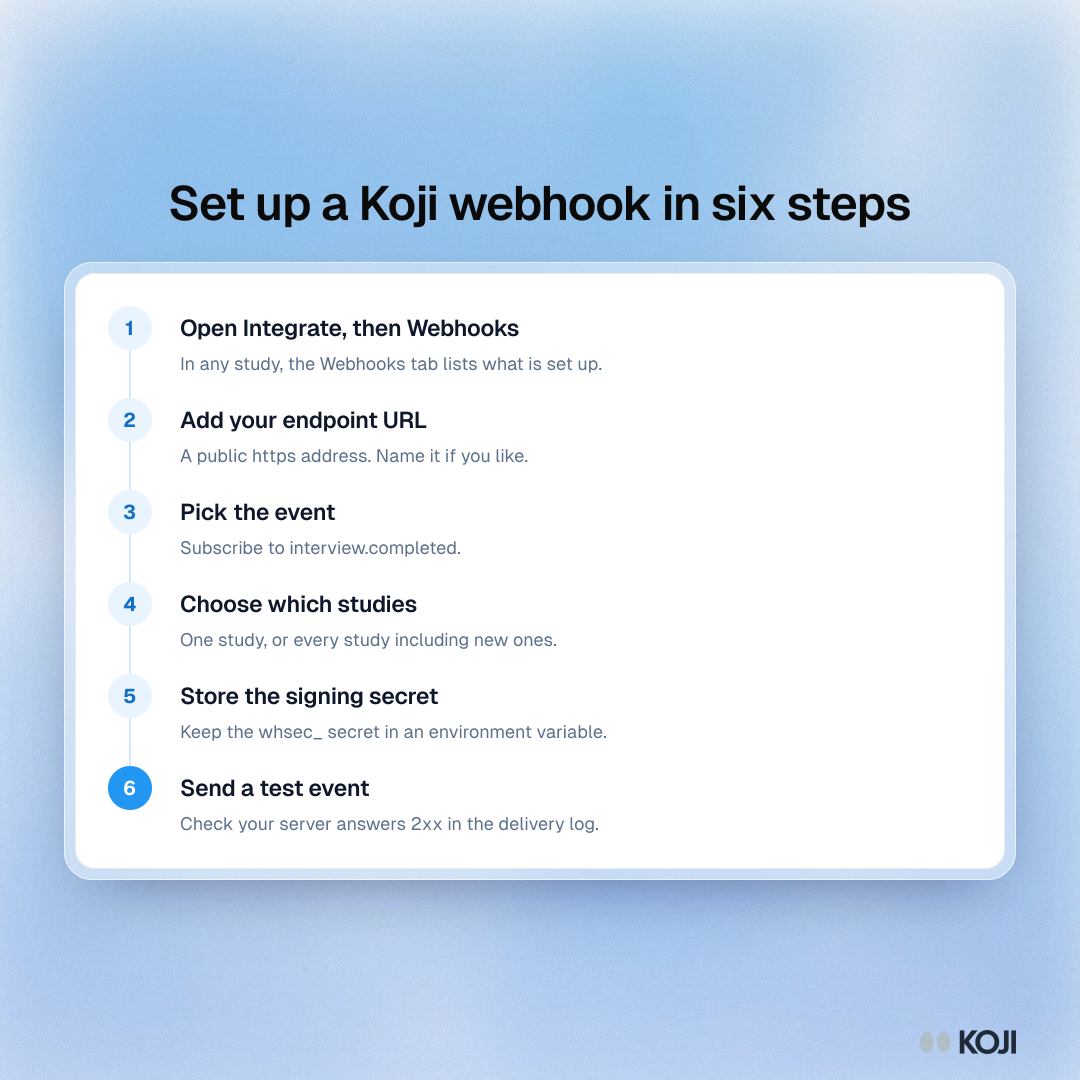
Set up a Koji webhook in six steps
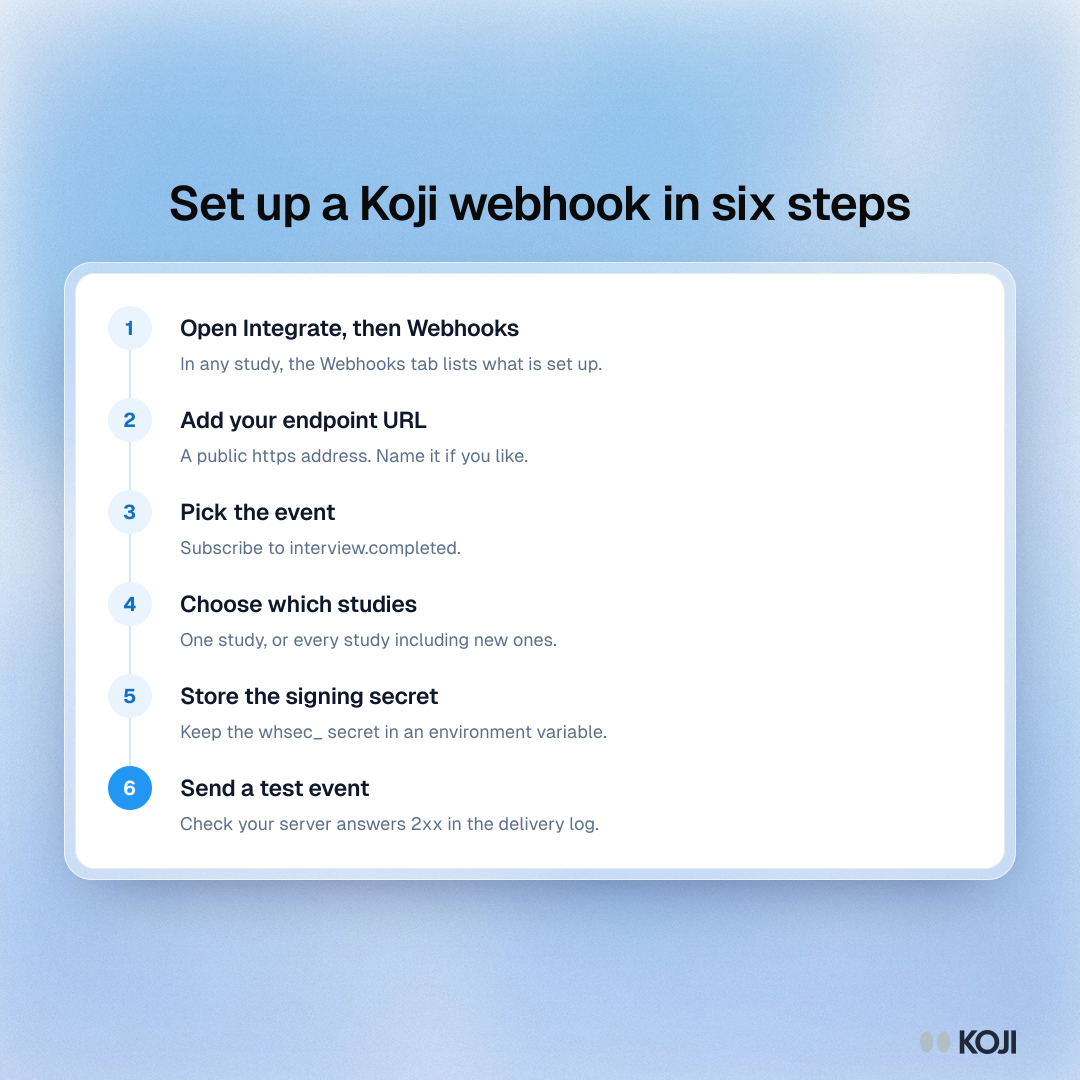
A six-step checklist for connecting a server to Koji webhooks. Koji sends a signed interview.completed message when a participant finishes an interview and it has been scored. Follow these steps to add the endpoint, store the secret and confirm your receiver works with a test event before real interviews arrive.
Where this appears
What's in this process
- Open Integrate, then Webhooks: In any study, the Webhooks tab lists what is set up.
- Add your endpoint URL: A public https address. Name it if you like.
- Pick the event: Subscribe to interview.completed.
- Choose which studies: One study, or every study including new ones.
- Store the signing secret: Keep the whsec_ secret in an environment variable.
- Send a test event: Check your server answers 2xx in the delivery log.
Use this image
Free to use in your docs, decks and posts under CC BY 4.0, as long as you credit Koji with a link to this page. To embed it, paste this into your page:
html
<a href="https://www.koji.so/visuals/koji-webhook-setup-steps"><img src="https://www.koji.so/visuals/koji-webhook-setup-steps/koji-webhook-setup-steps.png" alt="Process showing six steps to set up a Koji webhook, from opening Integrate to sending a test event and watching the delivery log." width="1080" height="1080" /></a>
<p>Source: <a href="https://www.koji.so/visuals/koji-webhook-setup-steps">Set up a Koji webhook in six steps</a>, Koji</p>