

Short answer: User Interviews is a recruiting marketplace with a large panel and a participant CRM (Research Hub), priced mostly per completed session. Great Question is a research operations platform priced per seat, with scheduling, incentives, surveys, a repository and its own CRM. For external participants it recruits through partner panels, including User Interviews. So the two often work together rather than compete. Pick User Interviews if recruiting is the only gap. Pick Great Question if you want one workspace for your whole research operation. If the real bottleneck is moderating and analysing the sessions, look at Koji, which recruits, interviews and reports in one place.
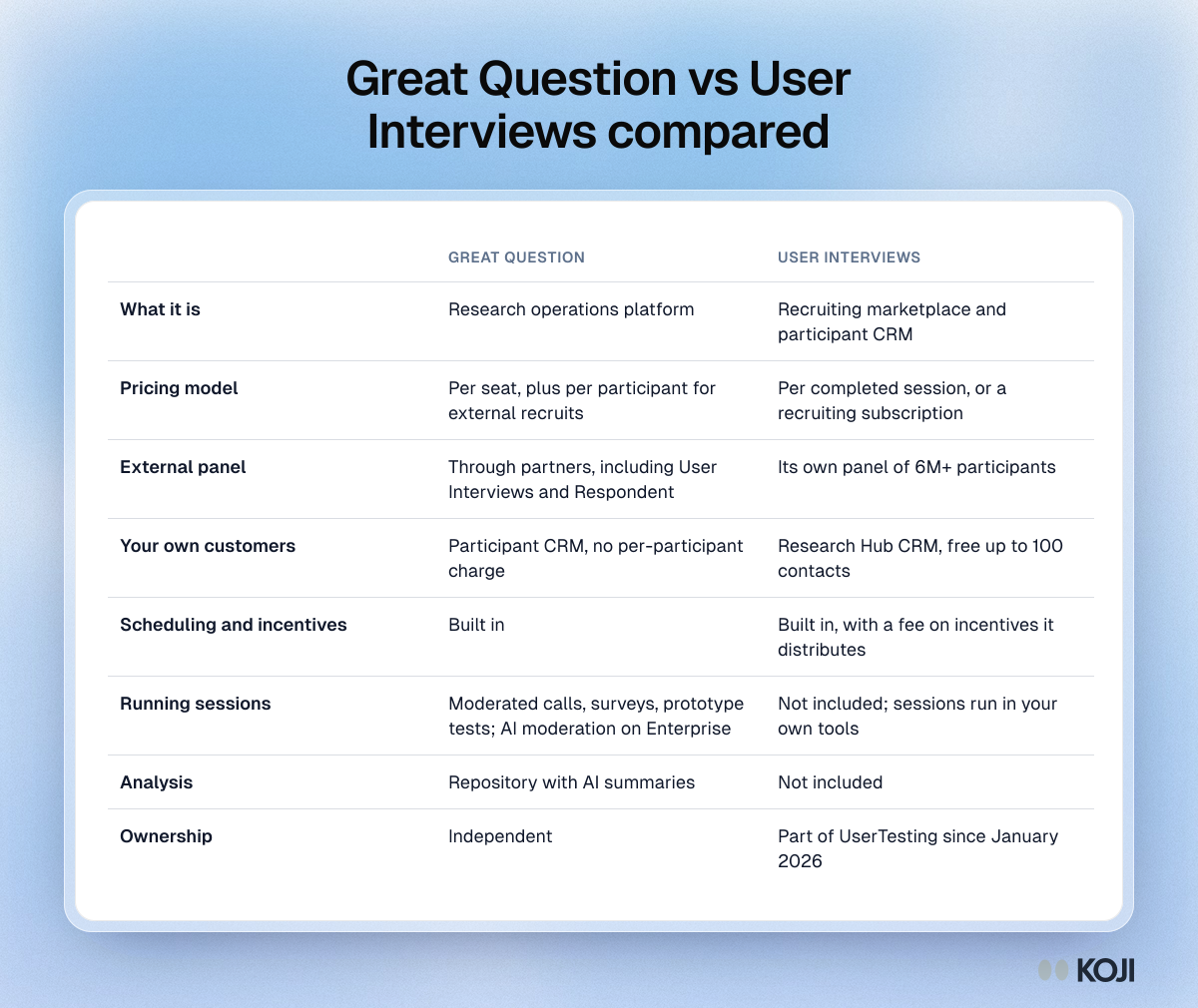
Great Question vs User Interviews at a glance
| Great Question | User Interviews | |
|---|---|---|
| What it is | Research operations platform | Recruiting marketplace and participant CRM |
| Pricing model | Per seat, plus per participant for external recruits | Per completed session, or a recruiting subscription |
| External panel | Through partners, including User Interviews and Respondent | Its own panel of 6M+ participants |
| Your own customers | Participant CRM, no per-participant charge | Research Hub CRM, free up to 100 contacts |
| Scheduling and incentives | Built in | Built in, with a fee on incentives it distributes |
| Running sessions | Moderated calls, surveys, prototype tests; AI moderation on Enterprise | Not included; sessions run in your own tools |
| Analysis | Repository with AI summaries | Not included |
| Ownership | Independent | Part of UserTesting since January 2026 |
What User Interviews does
User Interviews built its name on recruiting. You write a screener, set the audience and the number of sessions, and it sources participants from a panel it puts at more than 6 million people. It handles scheduling, reminders and incentive payouts, and you pay when a session is completed.
Its second product, Research Hub, is a CRM for your own users: you import customers, invite them to studies and track who has taken part, so you don't keep asking the same people. Research Hub is free for up to 100 contacts.
The big news this year is ownership. On January 7, 2026, UserTesting announced it had acquired User Interviews. UserTesting says it serves more than 3,000 customers, including 75 of the Fortune 100. User Interviews' acquisition FAQ says it stays a standalone, tool-agnostic product with no changes to pricing, contracts or participant sourcing, and that customers aren't required to migrate. If you're picking a long-term recruiting partner, it's still worth asking how the roadmap will change.
What Great Question does
Great Question aims to be the one place a research team works. It combines:
- a participant CRM for your own customers, with consent and eligibility rules
- recruiting from external panels, billed per successfully recruited participant
- scheduling for moderated sessions, plus incentive management
- surveys, prototype tests and moderated interviews with recordings
- a repository where AI summarises sessions and pulls out themes
Great Question also offers AI-moderated interviews. Its support docs say the feature is available on Enterprise plans only, and several of its 2026 blog posts still call it a beta.
The key detail for this comparison: Great Question's external panel is largely other people's panels. Its User Interviews integration page lists per-participant prices, and so does a separate Respondent integration. Great Question adds the workflow; the participants come from partners.
Where they overlap, and where they don't
Both recruit, both schedule, both pay incentives and both keep a CRM of your own customers. The difference is what surrounds that core:

Photo by Jud Mackrill on Unsplash
- User Interviews stops once the participant shows up. Moderating, recording and analysis happen in other tools.
- Great Question carries on into the session and the repository, but your researchers still moderate most sessions and review the output.
Neither removes the most expensive part of qualitative research: a person in the room for every interview, and hours of synthesis afterwards. Scheduled sessions also come with no-shows. User Interviews' own incentive research found B2C no-show rates of 8.2%, even at $160 an hour.
Pricing compared
User Interviews. Its pricing page lists pay-as-you-go recruiting at $49 per session for consumer participants and $98 per session for B2B, with advanced B2B targeting costing extra. Recruiting subscriptions lower the per-session fee. Research Hub is free up to 100 contacts, with paid tiers for larger CRMs. Incentives are paid on top, and a 3% processing fee applies to incentives User Interviews distributes. Older snapshots of the page show different figures, so check the live page before you budget.
Great Question. Its pricing page lists the self-serve plan at $129 per seat per month, or $1,290 per seat per year, capped at five seats, with Enterprise quoted annually from five seats. Observer seats are free. External recruits are billed per participant on top: its User Interviews integration page lists $47 for a consumer moderated session and $93 for a B2B moderated one, and its Respondent integration lists lower rates. Recruiting your own customers has no per-participant charge.
So a three-person team running 20 external B2B interviews a month pays Great Question's seats plus about $1,860 in recruiting fees at those rates, before incentives. The same 20 sessions on User Interviews alone cost about $1,960 in recruiting fees, again before incentives, but you still need somewhere to run and analyse them.
A third option: let the AI run the interviews
If you're weighing these two because you need more interviews, it helps to ask where the hours actually go. For most teams it isn't finding people; it's moderating and synthesising.
Koji is an AI-native research platform that covers recruiting and the interviews themselves:
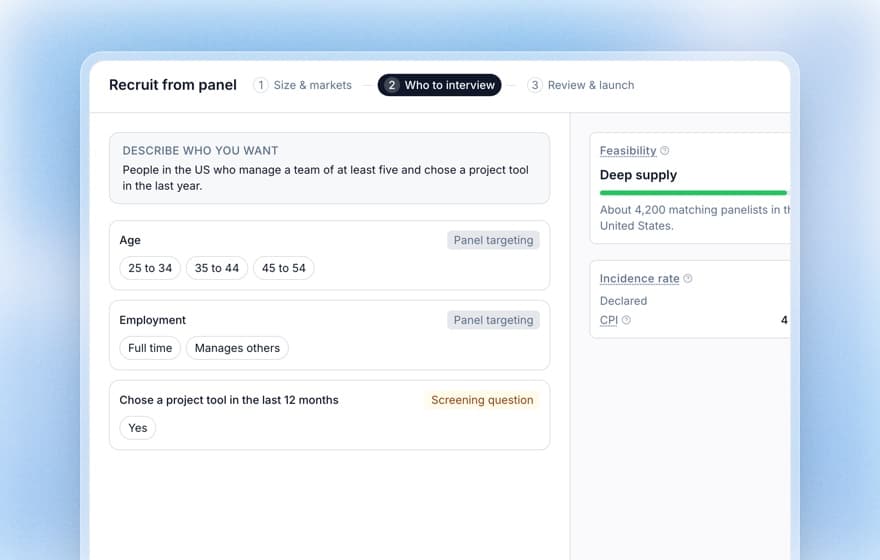
- Recruiting built in. Describe your audience in plain language on the Panel recruit tab and see the price per interview in credits before you launch. Koji's panel covers 154 country markets. Credits are held at launch, unused ones come back, and a soft launch lets you check quality first. Building an audience and seeing the price works on any plan; launching needs a paid plan. See the panel recruitment guide.
- Your own customers too. Share a link, embed the interview, or on the Interviews and Enterprise plans import a CSV so each person gets a personal invite link.
- Screening on every route. Screening questions in the brief turn away anyone who doesn't qualify, whichever way they arrived.
- An AI interviewer. Voice or text interviews in 28 languages, with follow-up questions, any time of day. No scheduling, so no no-shows.
- Analysis included. Themes, personas and findings, each linked to the quotes behind it. Only interviews with a quality score of 3 or more use credits or reach the report. That matters for any online sample: Pew Research Center found that 4% to 7% of respondents in opt-in online polls were bogus.
The format holds up. In a field study of about 600 people published in ACM Transactions on Computer-Human Interaction (2020), Xiao and colleagues found that an AI chatbot asking open-ended questions drew significantly more engaged, more informative answers than a standard online survey.
Koji is free to start with 10 credits. Insights is €29 a month with 29 credits and Interviews is €79 a month with 79 credits; a text interview uses 1 credit and a voice interview 3. Panel interviews are priced in credits per interview, shown before launch.
How to choose a recruiting setup
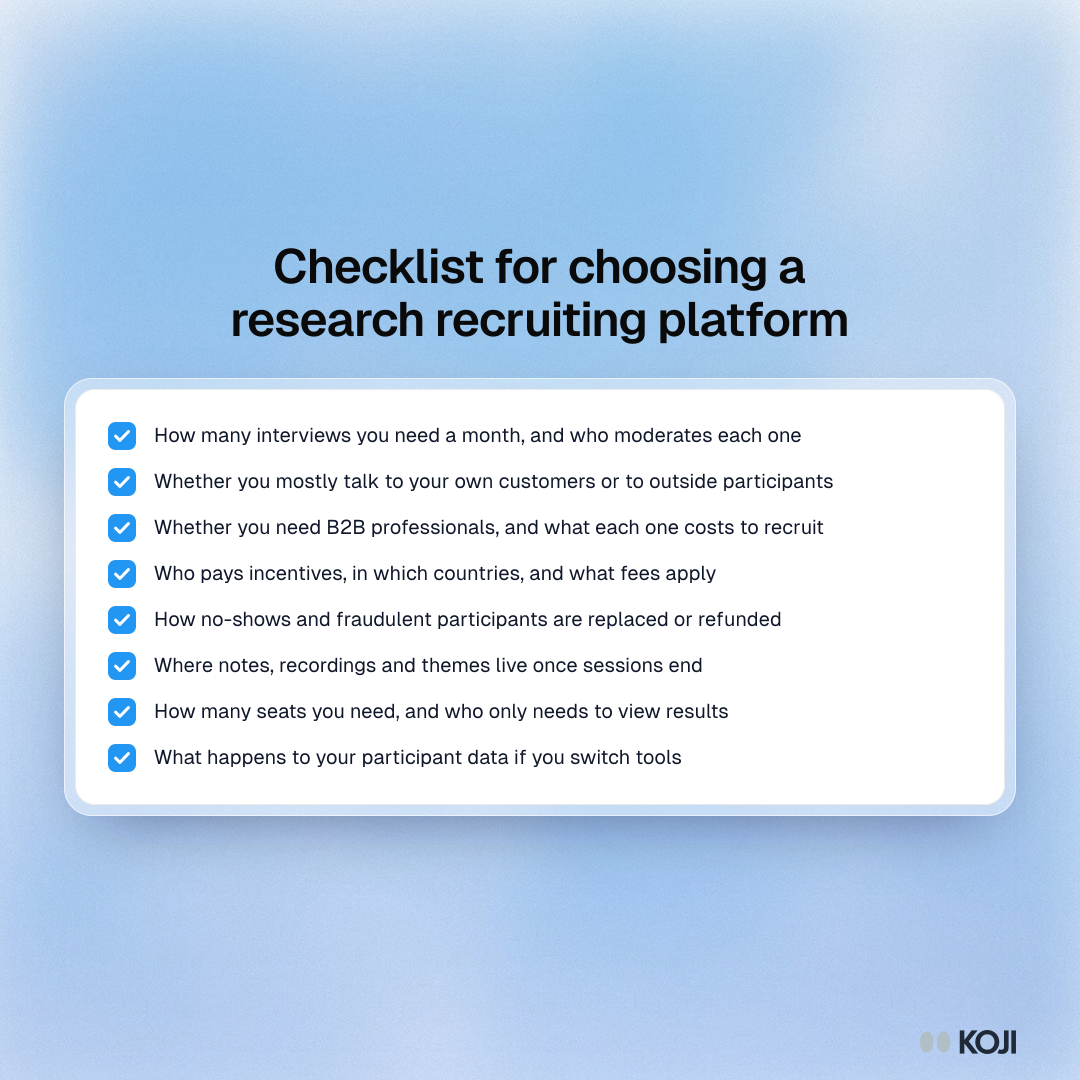
Before you sign anything, check these:
- How many interviews do you need a month, and who will moderate each one?
- Do you mostly talk to your own customers, or to people outside your user base?
- Do you need B2B professionals, and what will each one cost to recruit?
- Who pays incentives, in which countries, and what fees apply?
- How are no-shows and fraudulent participants replaced or refunded?
- Where will notes, recordings and themes live once the sessions end?
- How many seats do you need, and who only needs to view results?
- What happens to your participant data if you switch tools?
Which should you choose?
Choose User Interviews if you already have moderators and a repository and only need participants, especially hard-to-find B2B ones, on a pay-per-session basis.
Choose Great Question if you run an in-house research practice with several researchers and want CRM, scheduling, incentives, sessions and a repository under one login, and seat pricing makes sense for your team.
Choose Koji if you want the interviews done, not only booked: recruit from a panel or your own users, let the AI interviewer run every conversation and read a report the same week.
Start with Koji
Write a research question, add a screening question and build a panel audience to see the price, all before spending a credit. Try Koji free with 10 credits, or read how Koji's panel recruitment works.
Sources: Great Question pricing page and integration pages (User Interviews, Respondent); Great Question support docs, AI Moderated Interviews; User Interviews pricing page and acquisition FAQ; UserTesting press release, January 7, 2026; User Interviews, UX Research Incentives Report; Pew Research Center, "Assessing the Risks to Online Polls From Bogus Respondents" (2020); Xiao et al., "Tell Me About Yourself", ACM TOCHI 27(3), 2020.


