Process
Reviewing your own course comments with AI help
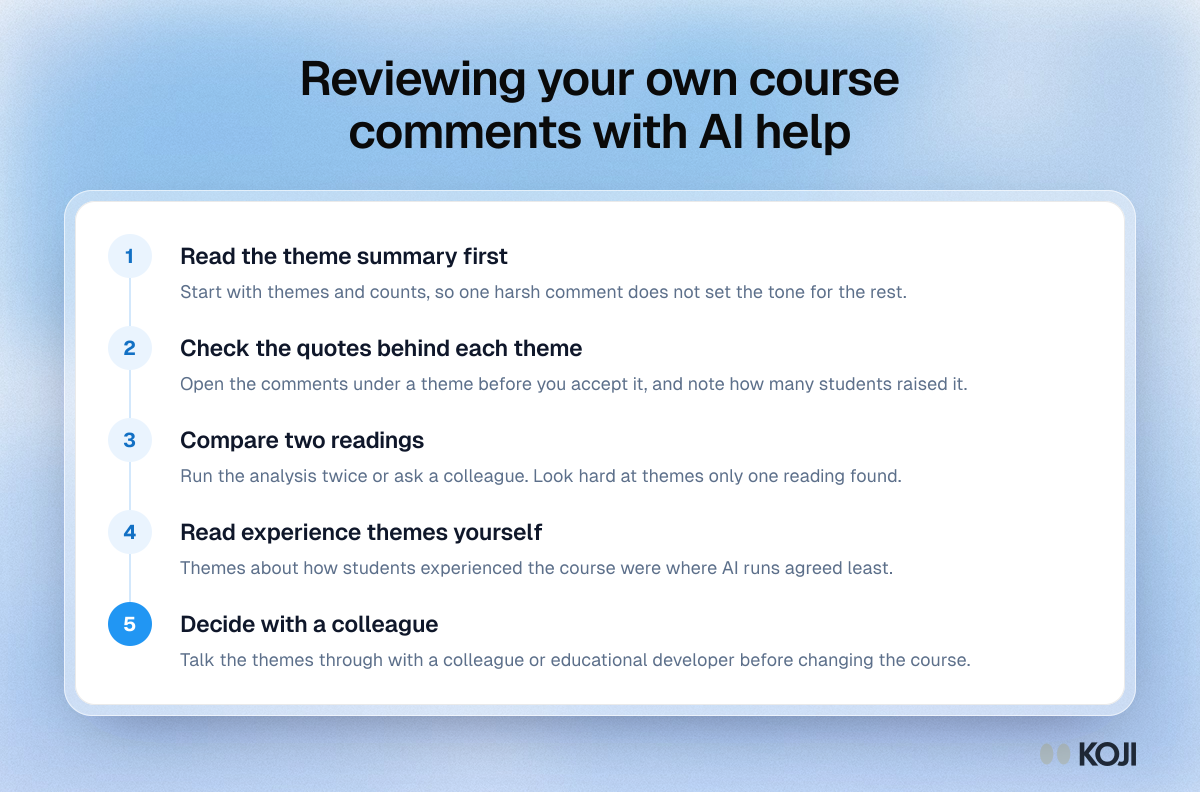
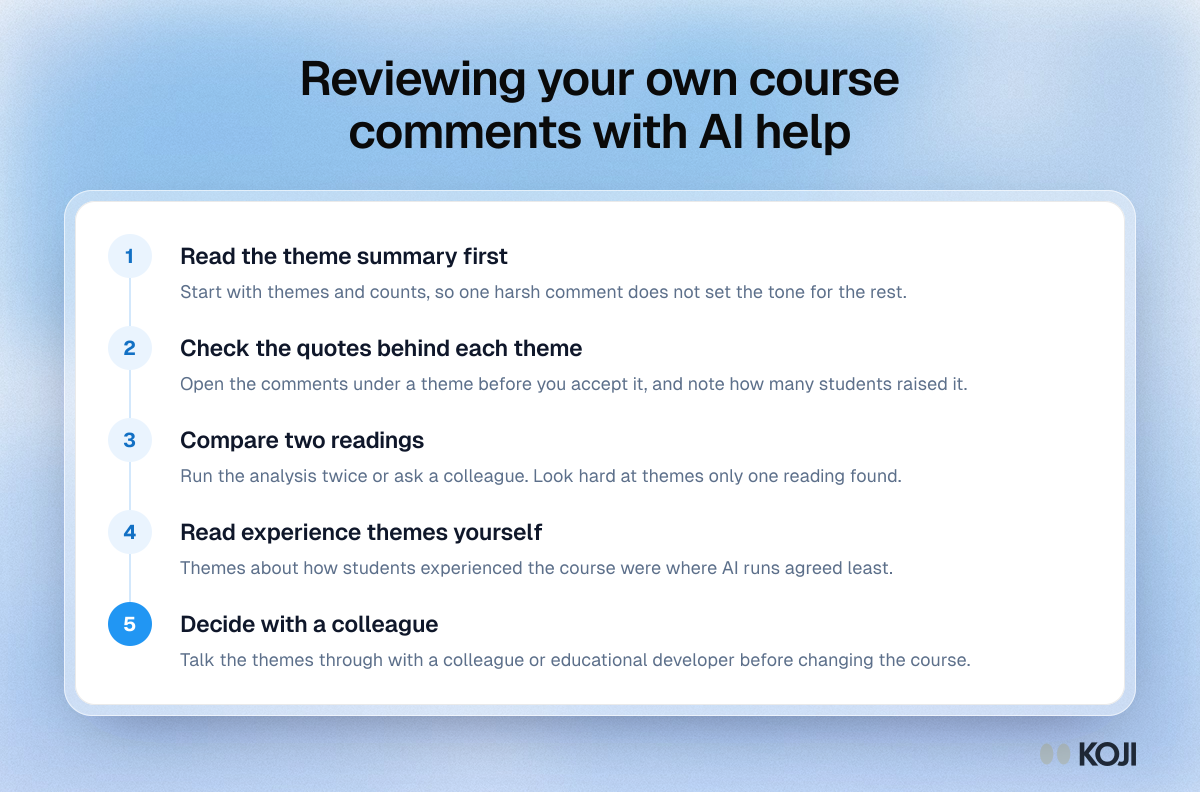
A five-step routine for instructors and programme teams who use an AI tool to sort course evaluation comments. It puts a neutral summary before individual comments, asks reviewers to check the quotes behind each theme, compare two readings and read themes about the student experience themselves. It draws on a 2024 study of instructors using ChatGPT on their own course comments. Koji shows each theme with its count and the student quotes behind it.
What's in this process
- Read the theme summary first: Start with themes and counts, so one harsh comment does not set the tone for the rest.
- Check the quotes behind each theme: Open the comments under a theme before you accept it, and note how many students raised it.
- Compare two readings: Run the analysis twice or ask a colleague. Look hard at themes only one reading found.
- Read experience themes yourself: Themes about how students experienced the course were where AI runs agreed least.
- Decide with a colleague: Talk the themes through with a colleague or educational developer before changing the course.
Use this image
Free to use in your docs, decks and posts under CC BY 4.0, as long as you credit Koji with a link to this page. To embed it, paste this into your page:
html
<a href="https://www.koji.so/visuals/ai-assisted-review-own-course-comments-process"><img src="https://www.koji.so/visuals/ai-assisted-review-own-course-comments-process/ai-assisted-review-own-course-comments-process.png" alt="Process for reviewing your own course comments with AI help, in five steps from reading the summary to deciding with a colleague." width="1200" height="792" /></a>
<p>Source: <a href="https://www.koji.so/visuals/ai-assisted-review-own-course-comments-process">Reviewing your own course comments with AI help</a>, Koji</p>