Process
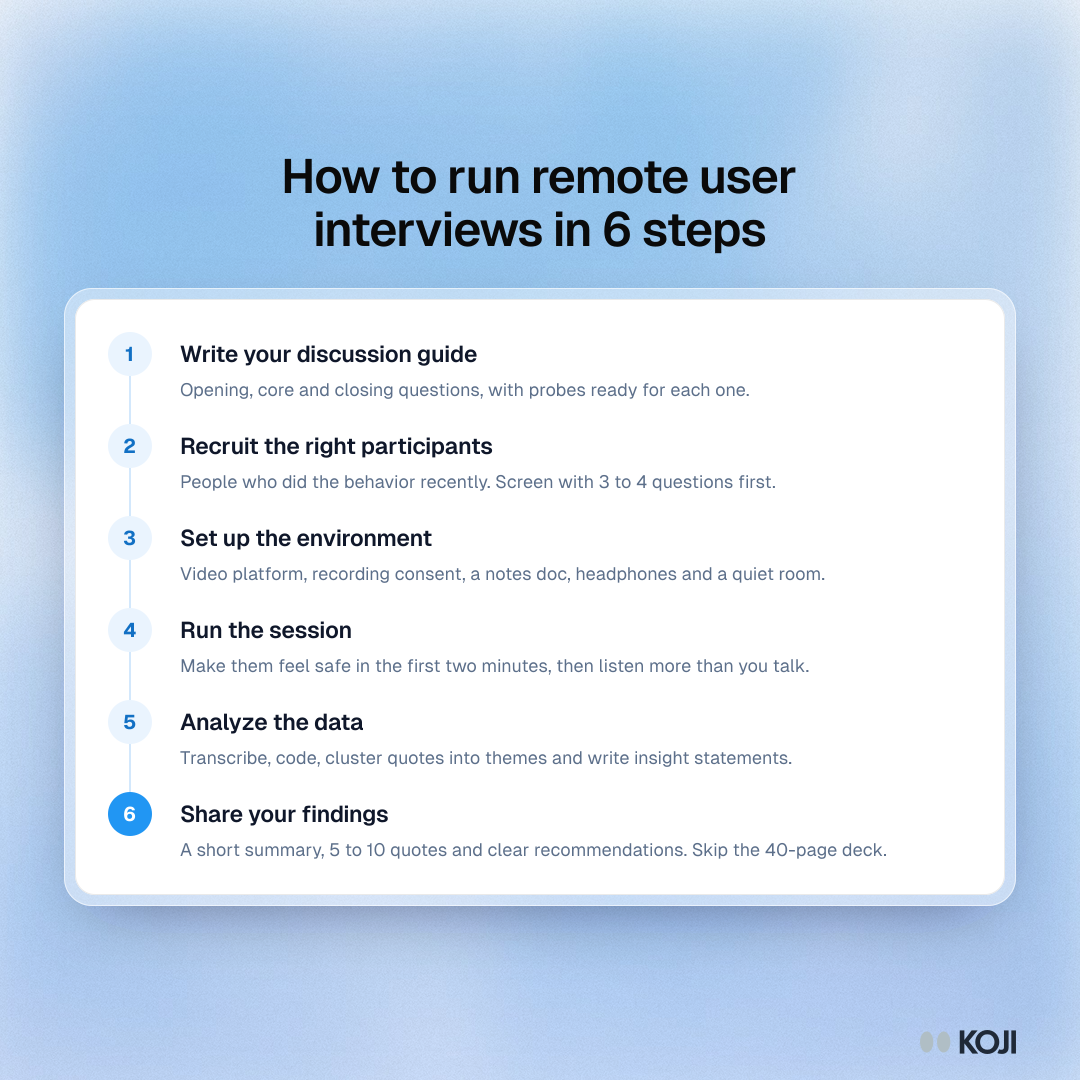
How to run remote user interviews in 6 steps
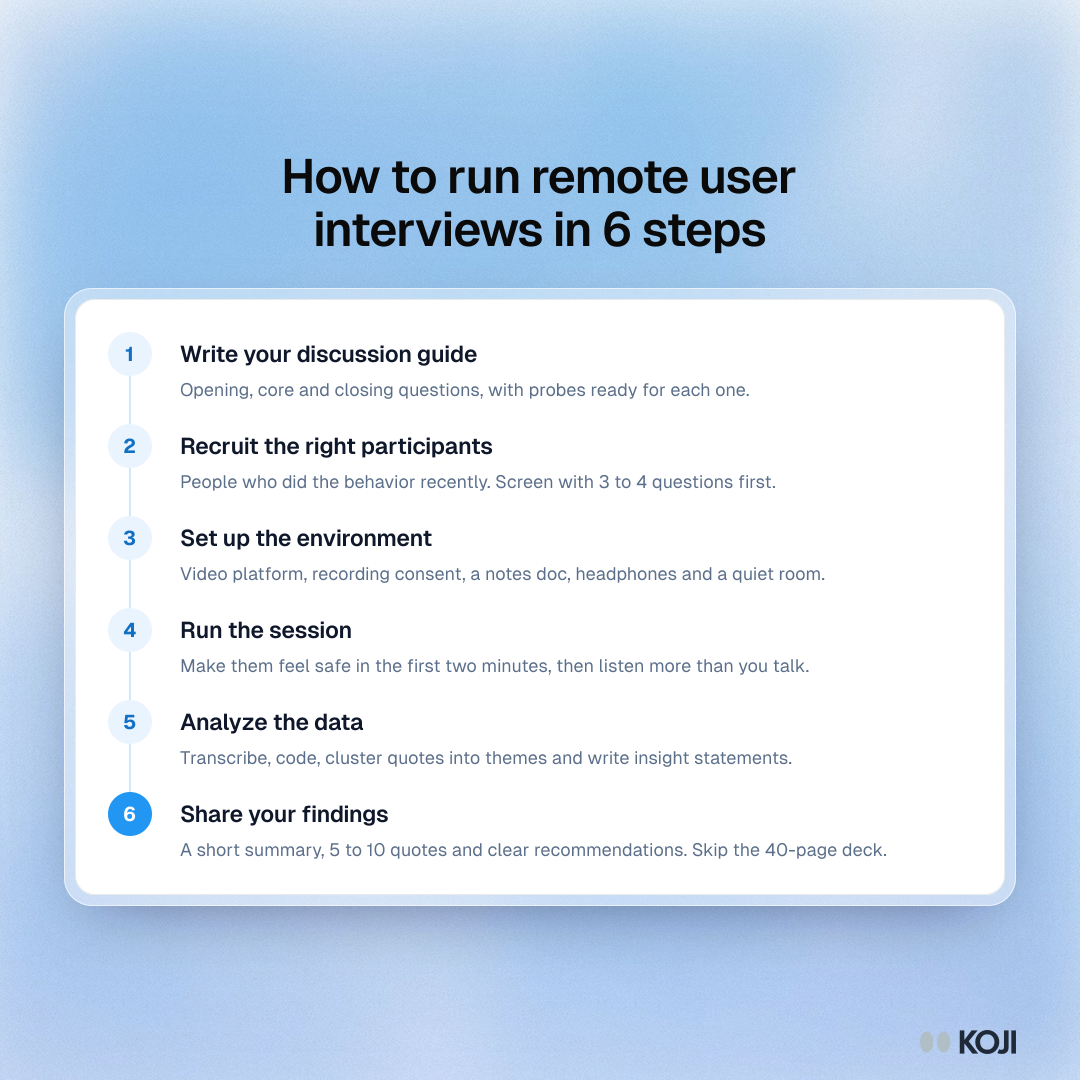
A six-step process for remote user interviews, from writing the discussion guide and recruiting screened participants to setting up recording, running the session, analyzing transcripts and sharing a short readout. It suits product managers, designers and researchers running their first remote study. Koji can run the session and the analysis steps as AI-moderated voice or text interviews.
Where this appears
What's in this process
- Write your discussion guide: Opening, core and closing questions, with probes ready for each one.
- Recruit the right participants: People who did the behavior recently. Screen with 3 to 4 questions first.
- Set up the environment: Video platform, recording consent, a notes doc, headphones and a quiet room.
- Run the session: Make them feel safe in the first two minutes, then listen more than you talk.
- Analyze the data: Transcribe, code, cluster quotes into themes and write insight statements.
- Share your findings: A short summary, 5 to 10 quotes and clear recommendations. Skip the 40-page deck.
Use this image
Free to use in your docs, decks and posts under CC BY 4.0, as long as you credit Koji with a link to this page. To embed it, paste this into your page:
html
<a href="https://www.koji.so/visuals/remote-user-interview-process-six-steps"><img src="https://www.koji.so/visuals/remote-user-interview-process-six-steps/remote-user-interview-process-six-steps.png" alt="Process of six steps to run remote user interviews: write the discussion guide, recruit, set up the call, run the session, analyze and share findings." width="1080" height="1080" /></a>
<p>Source: <a href="https://www.koji.so/visuals/remote-user-interview-process-six-steps">How to run remote user interviews in 6 steps</a>, Koji</p>