Checklist
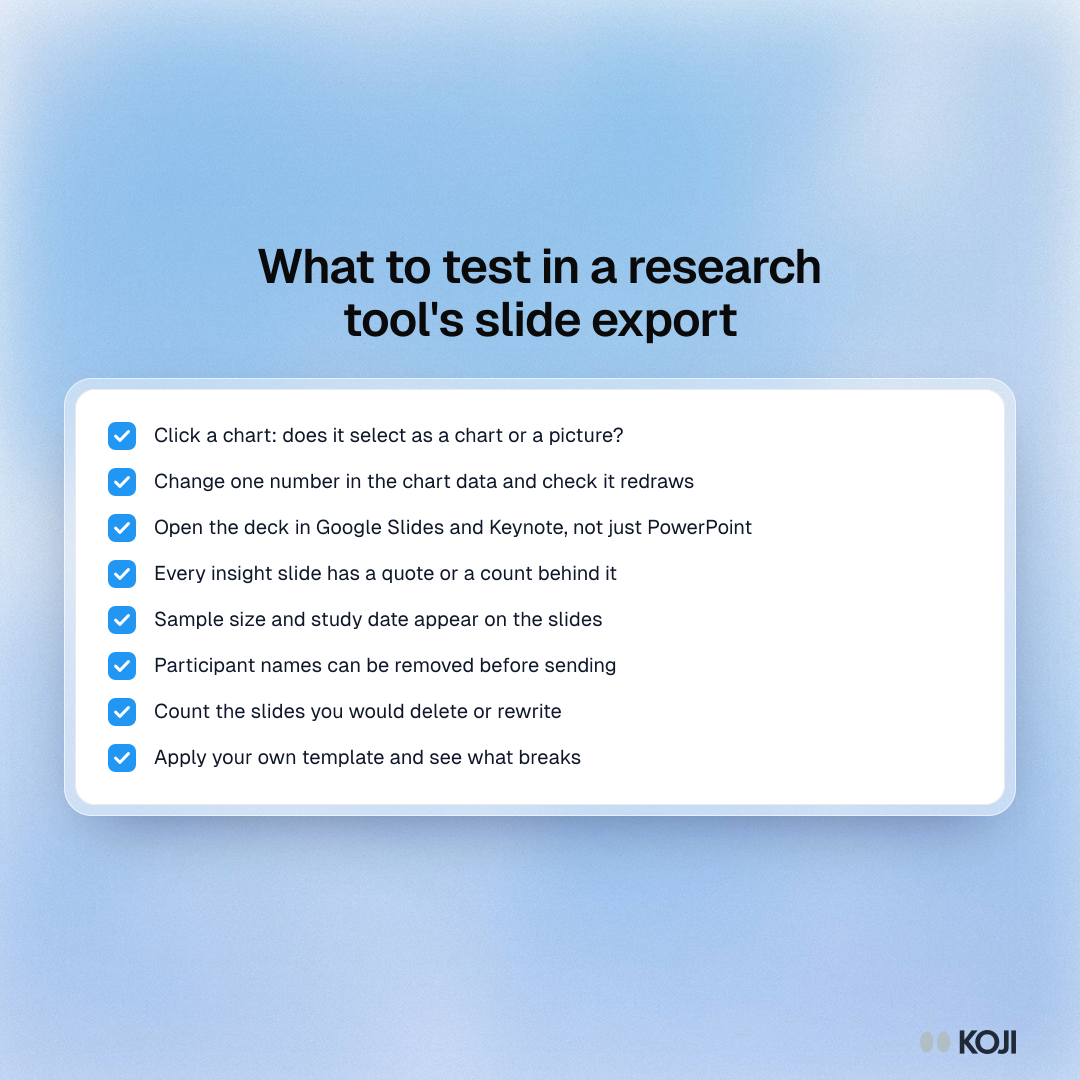
What to test in a research tool's slide export
Eight checks to run on a sample deck before you choose a tool
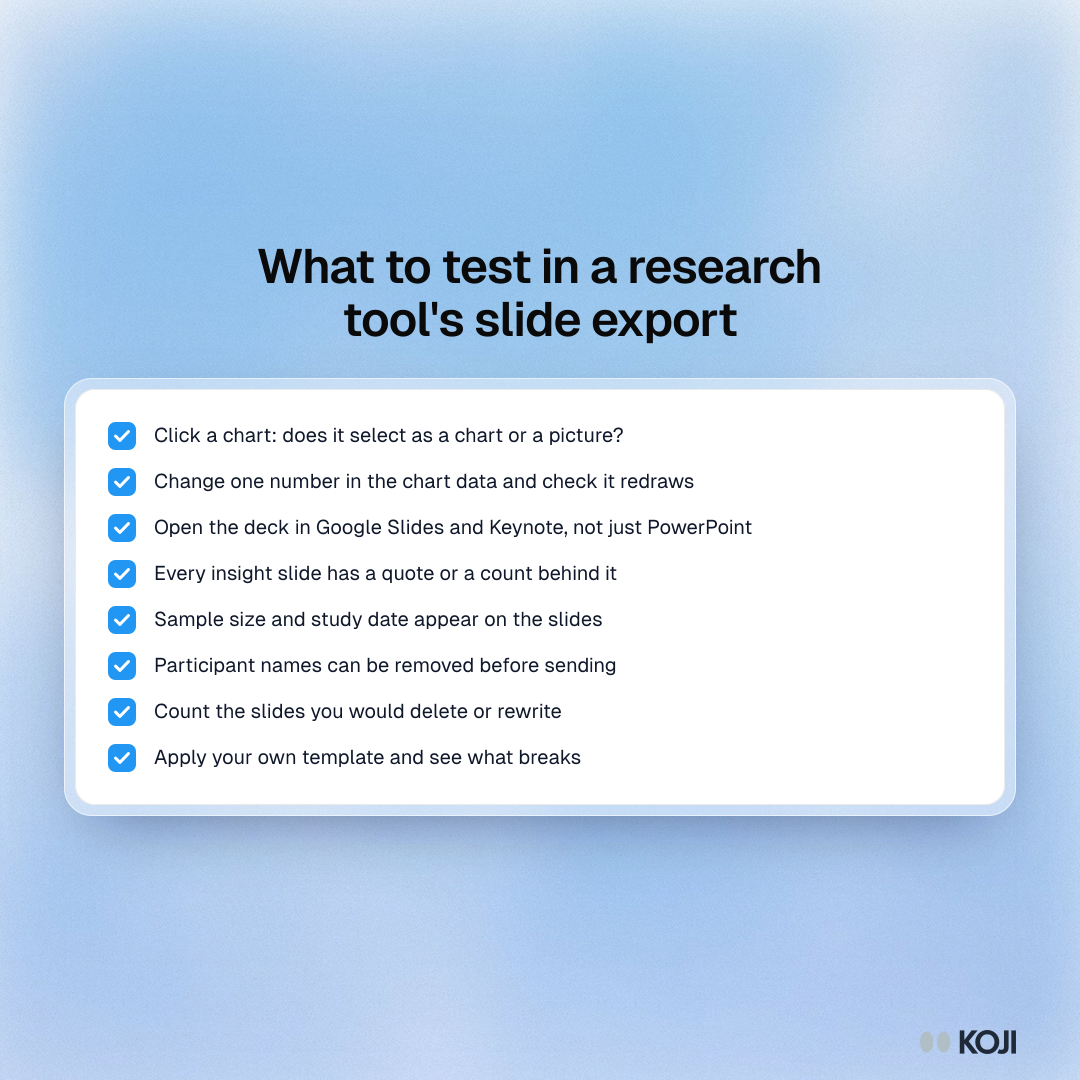
Eight checks to run on a sample deck from any user research or survey tool before you rely on its PowerPoint export. They cover whether charts are editable, whether the deck opens cleanly in Google Slides and Keynote, whether each insight carries evidence, and how much you would still rewrite. Useful for founders, PMs and designers picking a tool for research readouts. Koji's deck download can be tested the same way on a free account.
Where this appears
What's in this checklist
- Click a chart: does it select as a chart or a picture?
- Change one number in the chart data and check it redraws
- Open the deck in Google Slides and Keynote, not just PowerPoint
- Every insight slide has a quote or a count behind it
- Sample size and study date appear on the slides
- Participant names can be removed before sending
- Count the slides you would delete or rewrite
- Apply your own template and see what breaks
Use this image
Free to use in your docs, decks and posts under CC BY 4.0, as long as you credit Koji with a link to this page. To embed it, paste this into your page:
html
<a href="https://www.koji.so/visuals/research-deck-export-test-checklist"><img src="https://www.koji.so/visuals/research-deck-export-test-checklist/research-deck-export-test-checklist.png" alt="Checklist of eight things to test in a research tool's slide export, from clicking a chart to counting the slides you would rewrite." width="1080" height="1080" /></a>
<p>Source: <a href="https://www.koji.so/visuals/research-deck-export-test-checklist">What to test in a research tool's slide export</a>, Koji</p>