Process
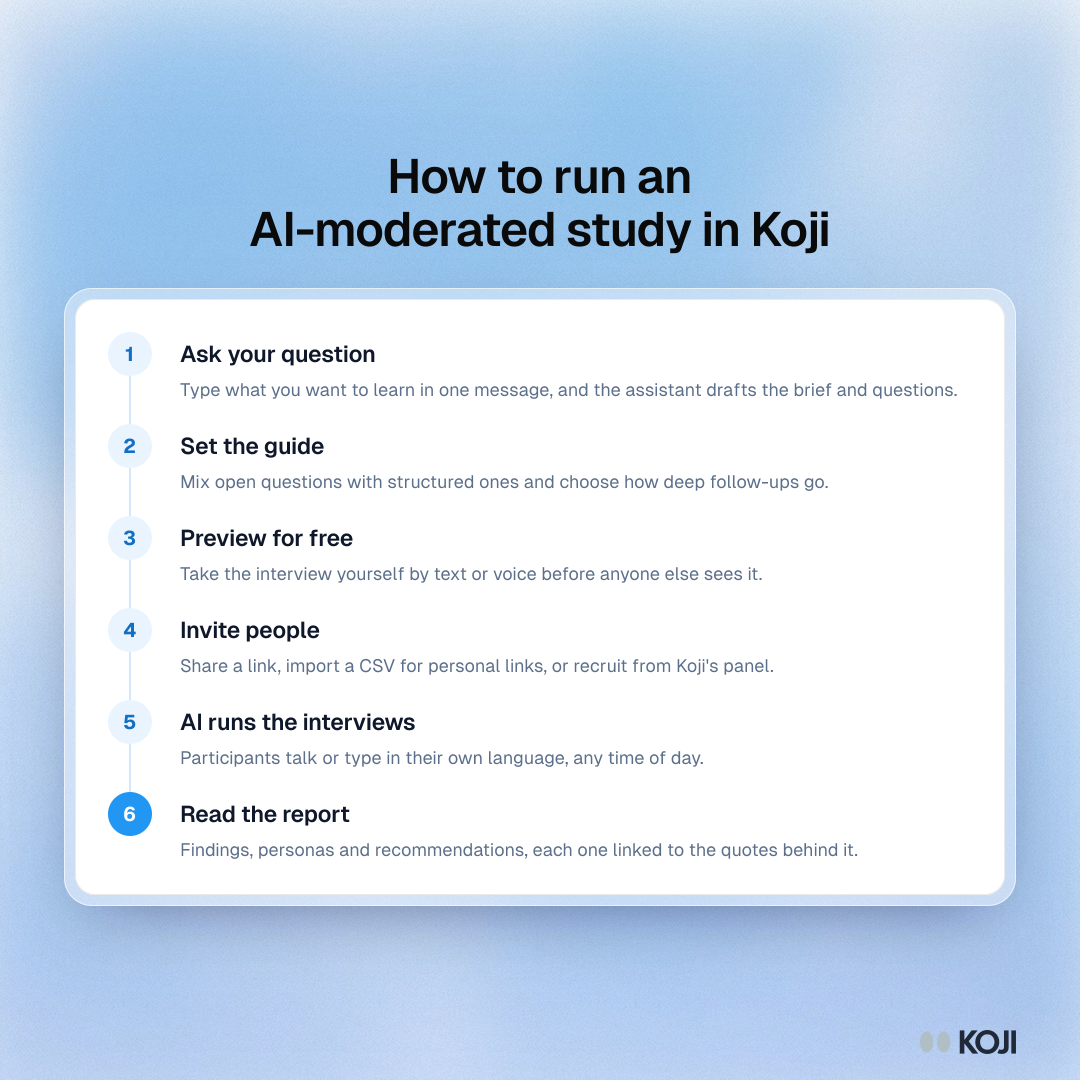
How to run an AI-moderated study in Koji
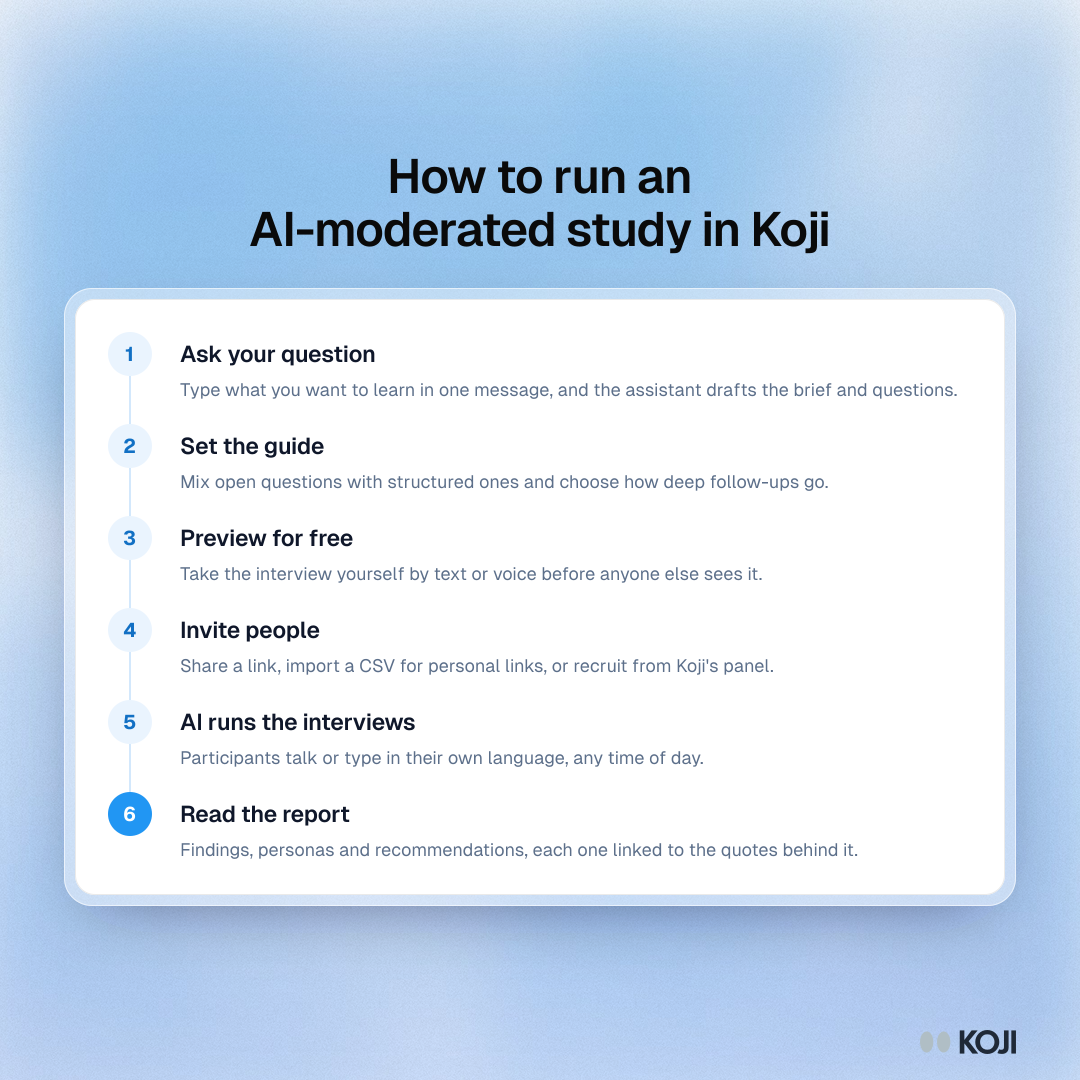
Six steps from a research question to a finished report with AI-moderated interviews in Koji: ask the question, set the guide, preview for free, invite people, let the AI run the interviews, then read a report where every finding links to its quotes. Useful for product, UX and insight teams planning their first AI-moderated study.
Where this appears
What's in this process
- Ask your question: Type what you want to learn in one message, and the assistant drafts the brief and questions.
- Set the guide: Mix open questions with structured ones and choose how deep follow-ups go.
- Preview for free: Take the interview yourself by text or voice before anyone else sees it.
- Invite people: Share a link, import a CSV for personal links, or recruit from Koji's panel.
- AI runs the interviews: Participants talk or type in their own language, any time of day.
- Read the report: Findings, personas and recommendations, each one linked to the quotes behind it.
Use this image
Free to use in your docs, decks and posts under CC BY 4.0, as long as you credit Koji with a link to this page. To embed it, paste this into your page:
html
<a href="https://www.koji.so/visuals/ai-moderated-study-process-in-koji"><img src="https://www.koji.so/visuals/ai-moderated-study-process-in-koji/ai-moderated-study-process-in-koji.png" alt="Process showing six steps to run an AI-moderated study in Koji, from asking a question to reading the report" width="1080" height="1080" /></a>
<p>Source: <a href="https://www.koji.so/visuals/ai-moderated-study-process-in-koji">How to run an AI-moderated study in Koji</a>, Koji</p>