Process
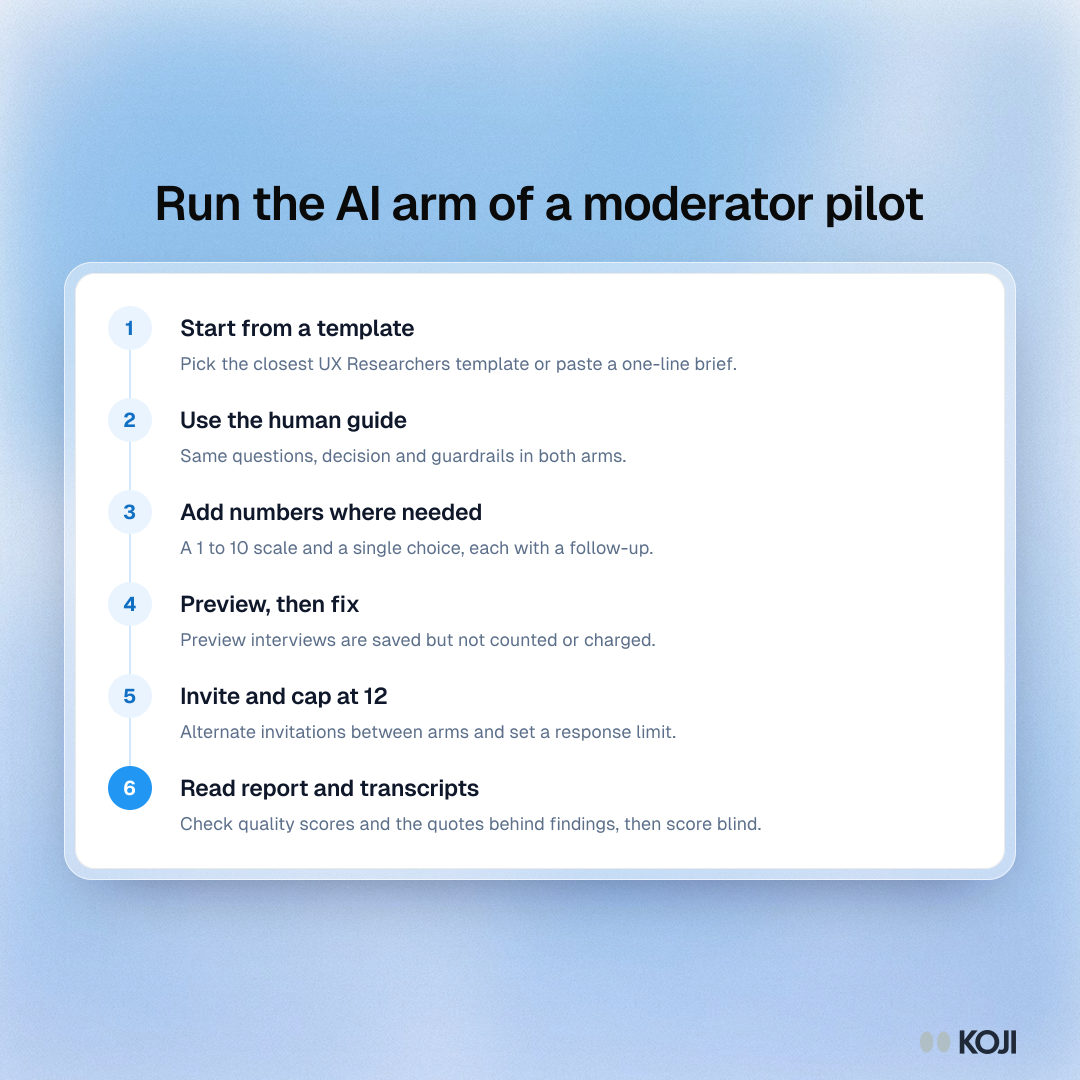
Run the AI arm of a moderator pilot
Six steps in Koji, matching your human moderators' guide
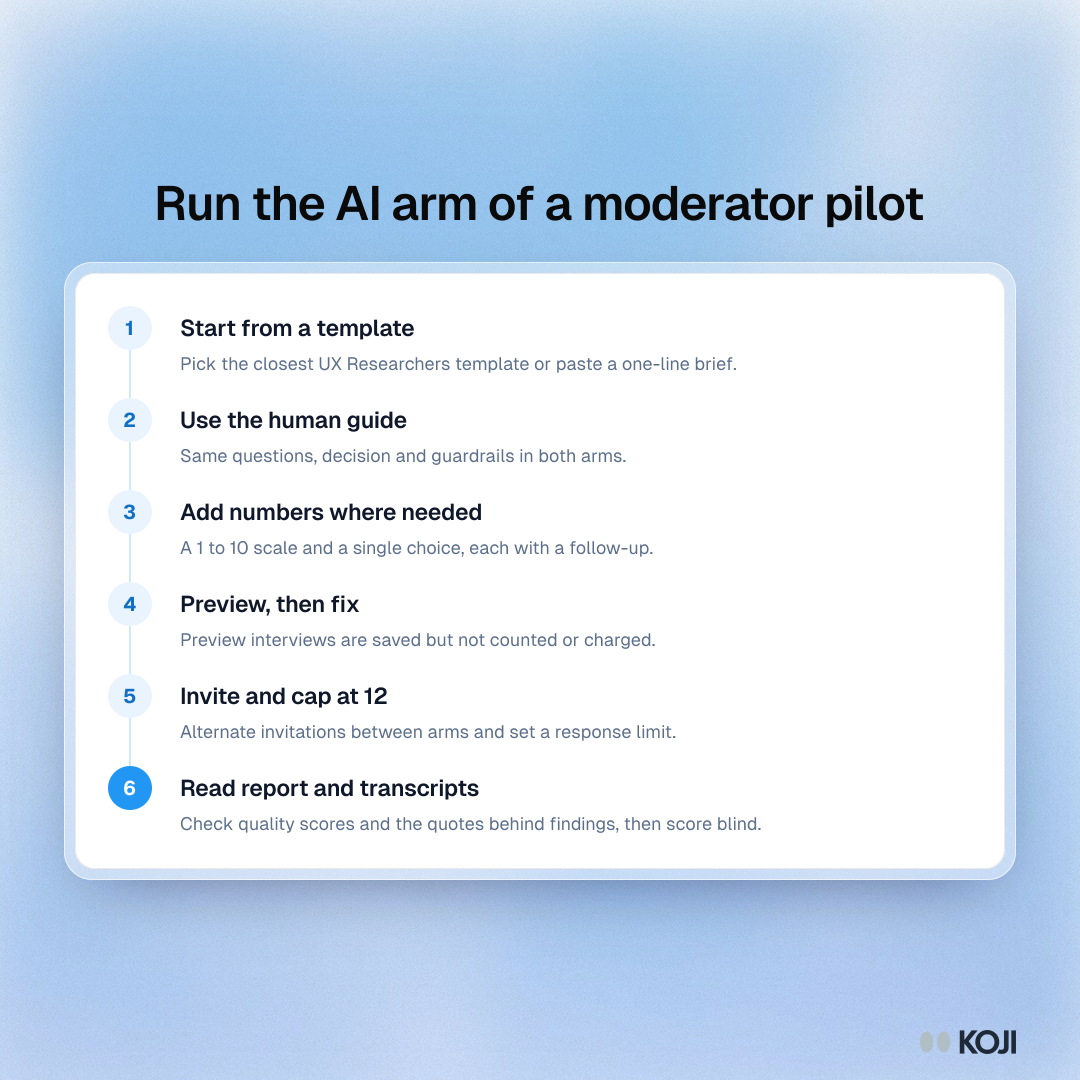
The six steps for setting up the AI-moderated arm of a pilot in Koji. It is written for a UX research lead who wants the AI arm to use exactly the same guide as the human arm, so any difference comes from who asks. Preview first, cap the arm at 12 interviews and read the transcripts blind before you decide.
Where this appears
What's in this process
- Start from a template: Pick the closest UX Researchers template or paste a one-line brief.
- Use the human guide: Same questions, decision and guardrails in both arms.
- Add numbers where needed: A 1 to 10 scale and a single choice, each with a follow-up.
- Preview, then fix: Preview interviews are saved but not counted or charged.
- Invite and cap at 12: Alternate invitations between arms and set a response limit.
- Read report and transcripts: Check quality scores and the quotes behind findings, then score blind.
Use this image
Free to use in your docs, decks and posts under CC BY 4.0, as long as you credit Koji with a link to this page. To embed it, paste this into your page:
html
<a href="https://www.koji.so/visuals/ai-moderator-pilot-setup-steps-in-koji"><img src="https://www.koji.so/visuals/ai-moderator-pilot-setup-steps-in-koji/ai-moderator-pilot-setup-steps-in-koji.png" alt="Process with six steps for running the AI arm of a moderator pilot in Koji, from writing the brief to preview, field and read the report." width="1080" height="1080" /></a>
<p>Source: <a href="https://www.koji.so/visuals/ai-moderator-pilot-setup-steps-in-koji">Run the AI arm of a moderator pilot</a>, Koji</p>