Comparison
Heatmaps show where, interviews show why
How behavioral analytics and customer interviews work together
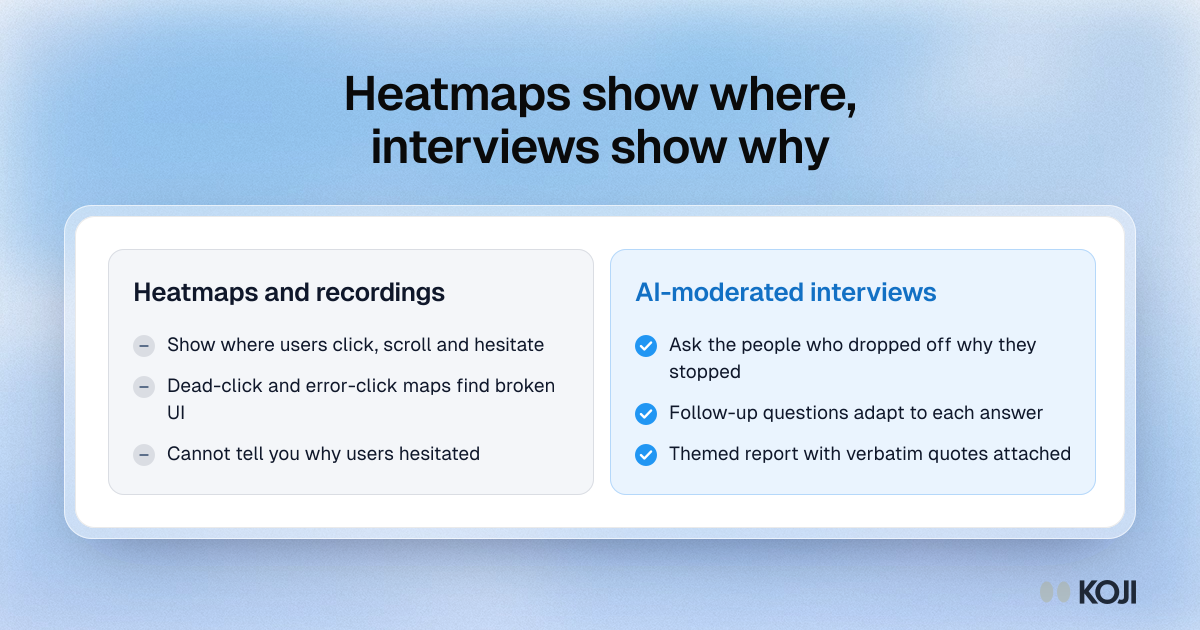
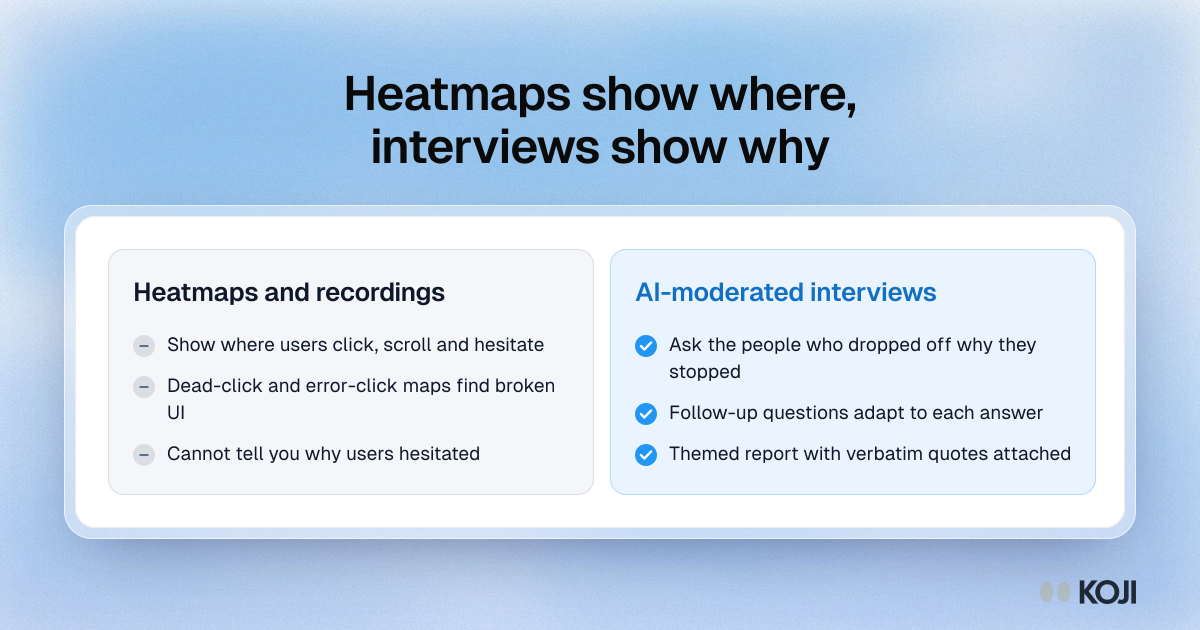
A side-by-side of what heatmap and session recording tools tell you and what interviews add. Heatmaps and recordings, such as Hotjar and Microsoft Clarity, show where users click and hesitate. Interviews with people who dropped off give the reason. Use it when deciding whether a behavioral tool is enough or whether you need to talk to customers too. Koji runs the interview side with AI-moderated voice interviews.
Where this appears
What's in this comparison
Heatmaps and recordings
- Show where users click, scroll and hesitate
- Dead-click and error-click maps find broken UI
- Cannot tell you why users hesitated
AI-moderated interviews
- Ask the people who dropped off why they stopped
- Follow-up questions adapt to each answer
- Themed report with verbatim quotes attached
Use this image
Free to use in your docs, decks and posts under CC BY 4.0, as long as you credit Koji with a link to this page. To embed it, paste this into your page:
html
<a href="https://www.koji.so/visuals/heatmaps-vs-interviews-where-vs-why"><img src="https://www.koji.so/visuals/heatmaps-vs-interviews-where-vs-why/heatmaps-vs-interviews-where-vs-why.png" alt="Comparison of heatmaps and session recordings, which show where users hesitate, with AI-moderated interviews, which explain why they stopped." width="1200" height="630" /></a>
<p>Source: <a href="https://www.koji.so/visuals/heatmaps-vs-interviews-where-vs-why">Heatmaps show where, interviews show why</a>, Koji</p>