Guide
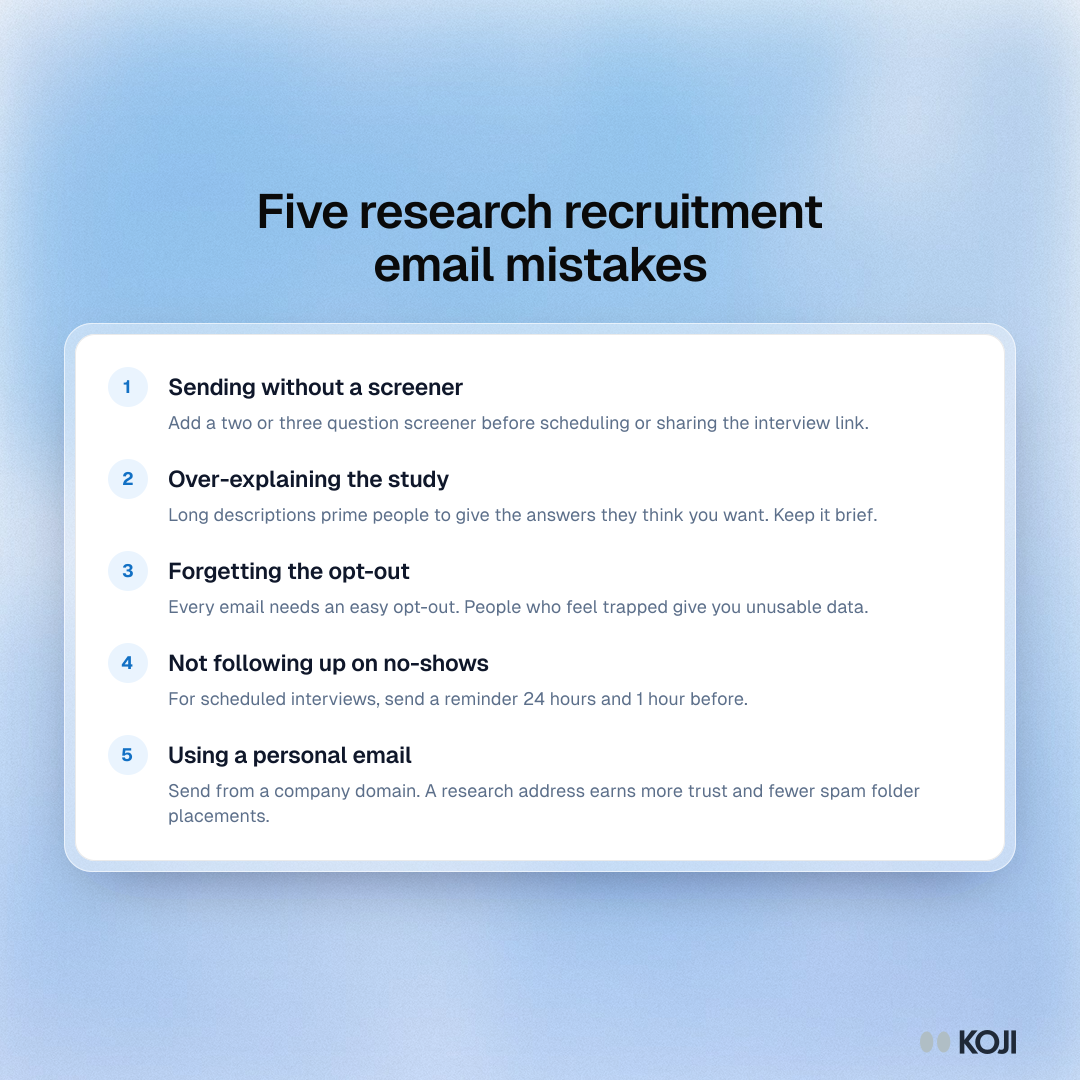
Five research recruitment email mistakes
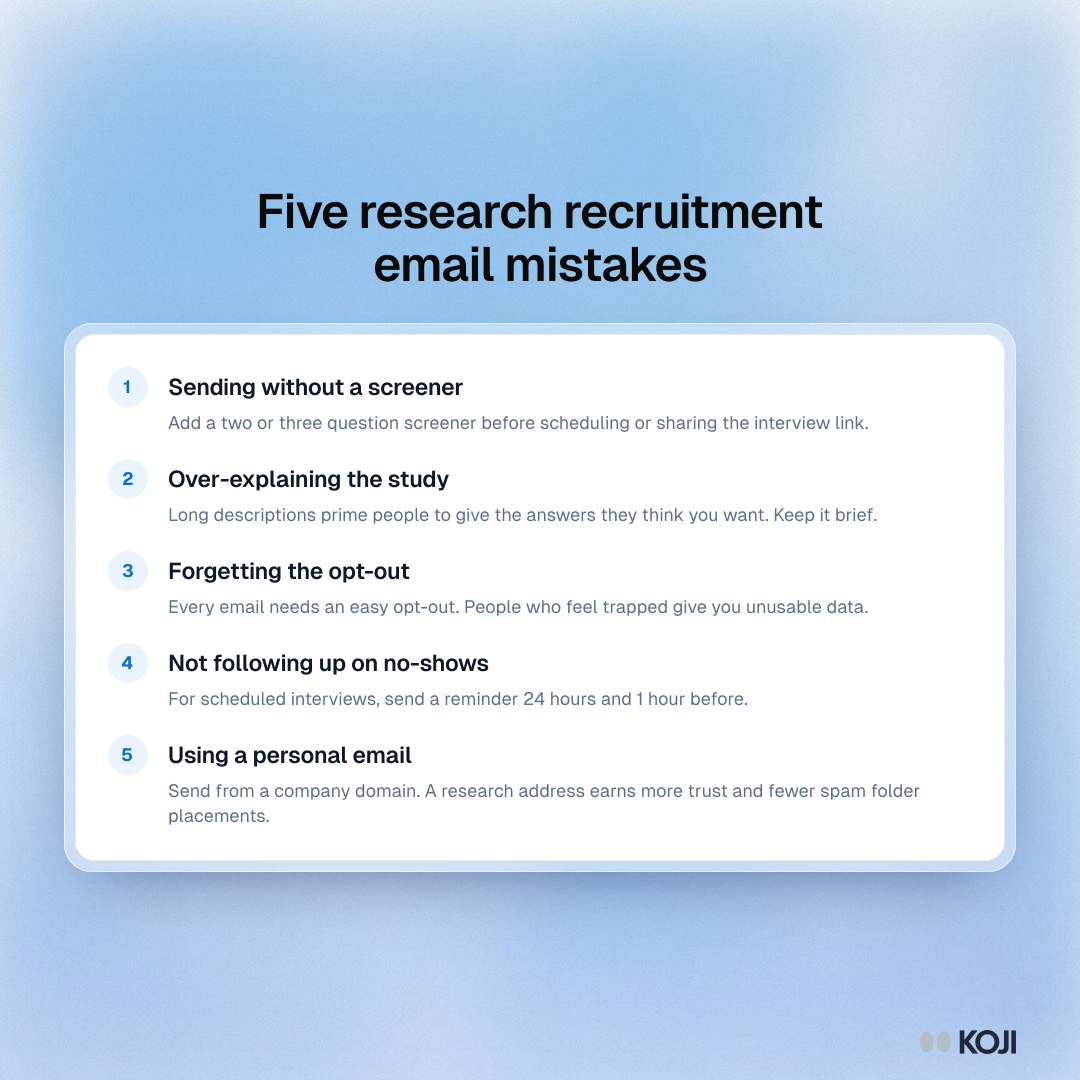
Five common mistakes in user research recruitment emails and how to fix each one: skipping the screener, over-explaining the study, leaving out the opt-out, not reminding people before scheduled sessions and sending from a personal address. Researchers can use it as a final check before a recruitment campaign goes out.
Where this appears
What's in this guide
- Sending without a screener: Add a two or three question screener before scheduling or sharing the interview link.
- Over-explaining the study: Long descriptions prime people to give the answers they think you want. Keep it brief.
- Forgetting the opt-out: Every email needs an easy opt-out. People who feel trapped give you unusable data.
- Not following up on no-shows: For scheduled interviews, send a reminder 24 hours and 1 hour before.
- Using a personal email: Send from a company domain. A research address earns more trust and fewer spam folder placements.
Use this image
Free to use in your docs, decks and posts under CC BY 4.0, as long as you credit Koji with a link to this page. To embed it, paste this into your page:
html
<a href="https://www.koji.so/visuals/research-recruitment-email-mistakes"><img src="https://www.koji.so/visuals/research-recruitment-email-mistakes/research-recruitment-email-mistakes.png" alt="List of five research recruitment email mistakes: no screener, over-explaining the study, no opt-out, no reminders for no-shows and a personal sender address." width="1080" height="1080" /></a>
<p>Source: <a href="https://www.koji.so/visuals/research-recruitment-email-mistakes">Five research recruitment email mistakes</a>, Koji</p>