Process
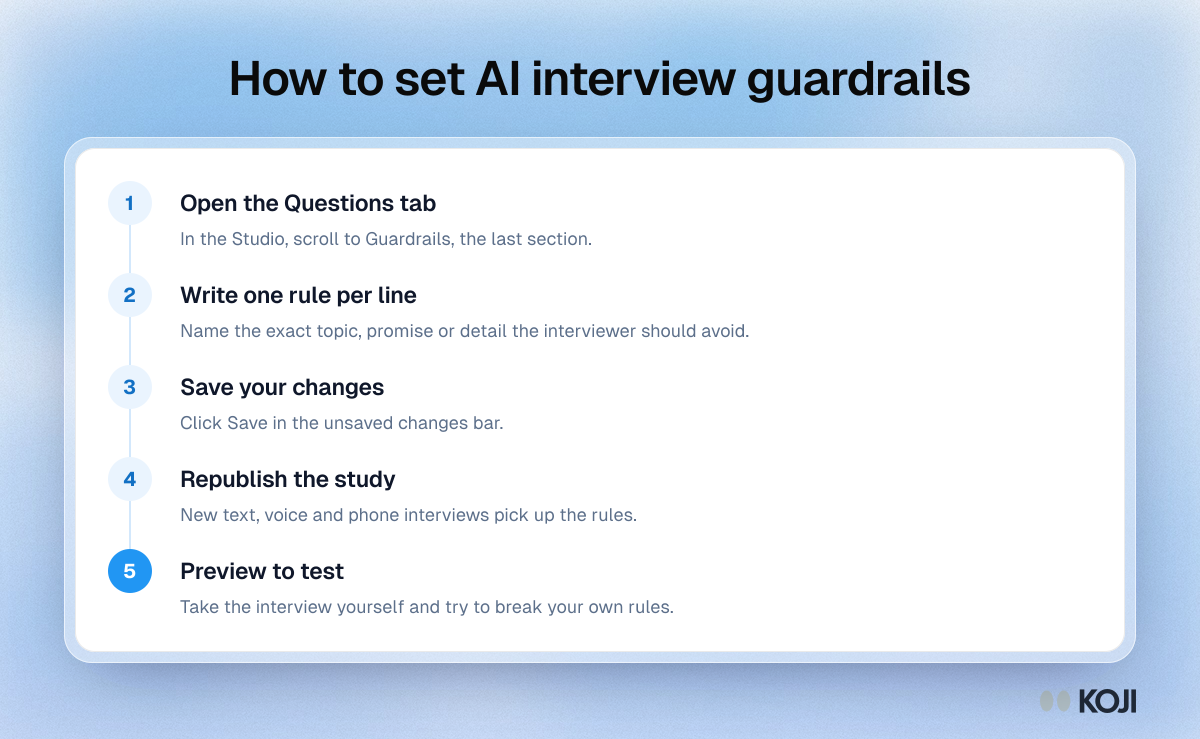
How to set AI interview guardrails
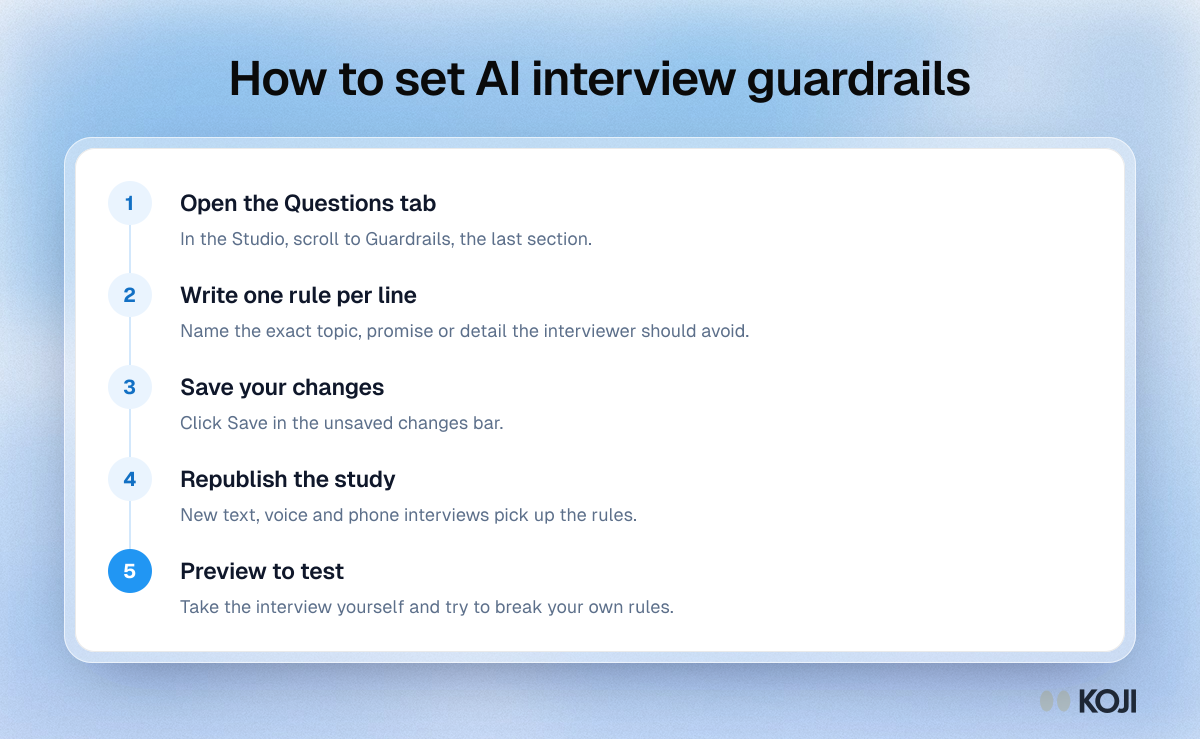
A five-step process for telling an AI interviewer what to avoid, from writing the rules to testing them in a preview. It suits anyone running AI-moderated interviews who needs to keep pricing, confidential plans or sensitive topics out of the conversation. In Koji, guardrails live on the Questions tab of the Studio and apply to text, voice and phone interviews once the study is republished.
Where this appears
What's in this process
- Open the Questions tab: In the Studio, scroll to Guardrails, the last section.
- Write one rule per line: Name the exact topic, promise or detail the interviewer should avoid.
- Save your changes: Click Save in the unsaved changes bar.
- Republish the study: New text, voice and phone interviews pick up the rules.
- Preview to test: Take the interview yourself and try to break your own rules.
Use this image
Free to use in your docs, decks and posts under CC BY 4.0, as long as you credit Koji with a link to this page. To embed it, paste this into your page:
html
<a href="https://www.koji.so/visuals/setting-ai-interview-guardrails-process"><img src="https://www.koji.so/visuals/setting-ai-interview-guardrails-process/setting-ai-interview-guardrails-process.png" alt="Process for setting interview guardrails in Koji: open the Questions tab, write one rule per line, save, republish, then preview to test." width="1200" height="739" /></a>
<p>Source: <a href="https://www.koji.so/visuals/setting-ai-interview-guardrails-process">How to set AI interview guardrails</a>, Koji</p>