Process
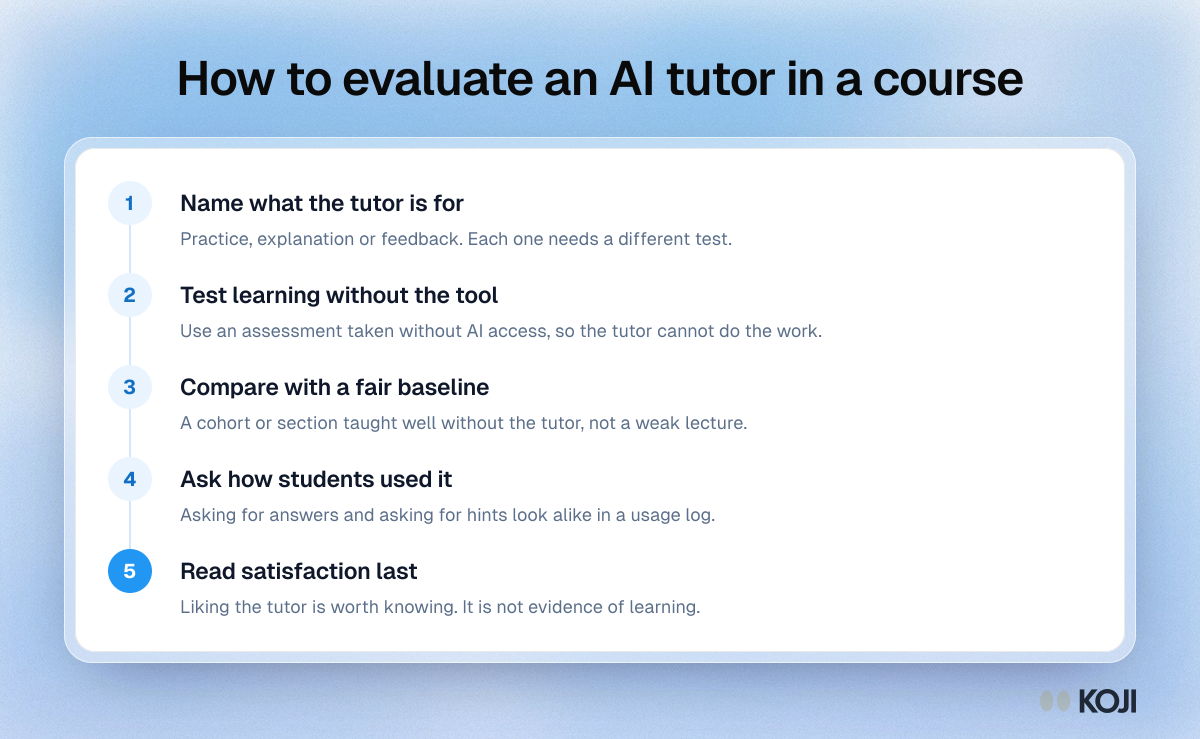
How to evaluate an AI tutor in a course
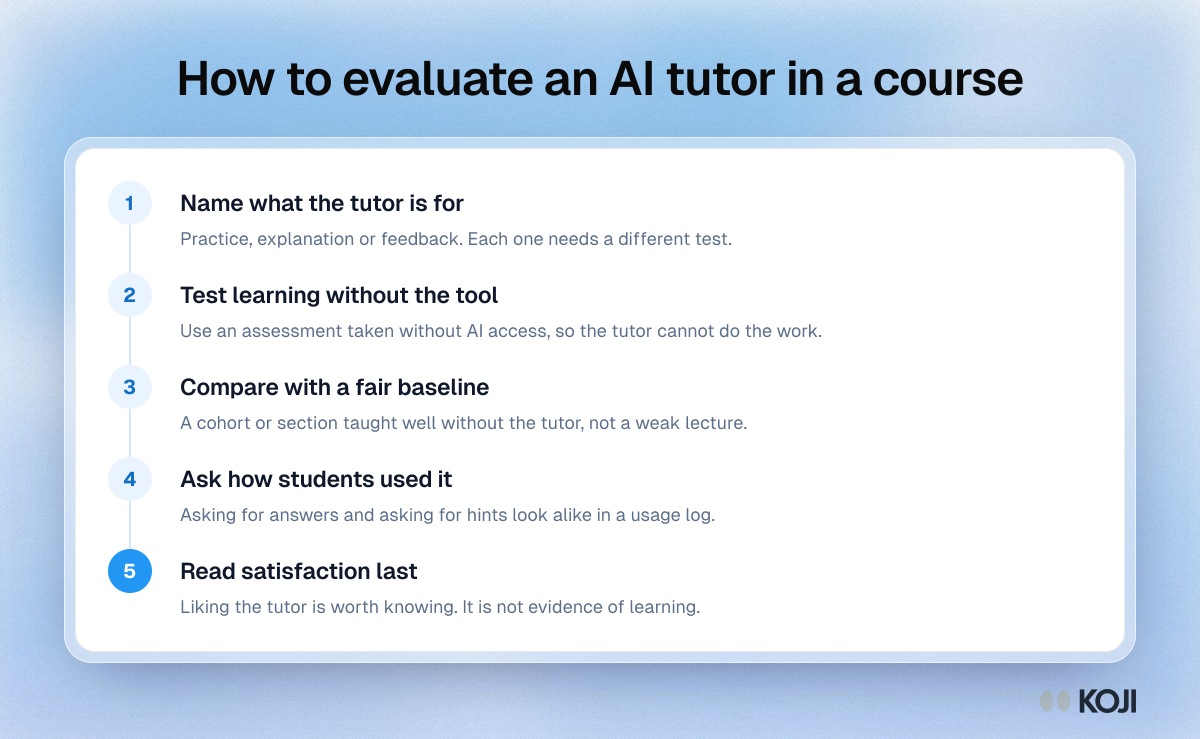
A five step process for programme teams and educational developers deciding whether an AI tutor added to a course is helping students learn. It puts a test of learning without AI access and a fair comparison group ahead of student satisfaction, which research shows can diverge from learning. It draws on recent trials of AI tutors in physics and mathematics. Koji interviews can add the missing piece, how students actually used the tutor.
What's in this process
- Name what the tutor is for: Practice, explanation or feedback. Each one needs a different test.
- Test learning without the tool: Use an assessment taken without AI access, so the tutor cannot do the work.
- Compare with a fair baseline: A cohort or section taught well without the tutor, not a weak lecture.
- Ask how students used it: Asking for answers and asking for hints look alike in a usage log.
- Read satisfaction last: Liking the tutor is worth knowing. It is not evidence of learning.
Use this image
Free to use in your docs, decks and posts under CC BY 4.0, as long as you credit Koji with a link to this page. To embed it, paste this into your page:
html
<a href="https://www.koji.so/visuals/how-to-evaluate-ai-tutor-in-a-course-steps"><img src="https://www.koji.so/visuals/how-to-evaluate-ai-tutor-in-a-course-steps/how-to-evaluate-ai-tutor-in-a-course-steps.png" alt="Process diagram with five steps for evaluating an AI tutor in a university course, from defining its purpose to testing learning without the tool." width="1200" height="739" /></a>
<p>Source: <a href="https://www.koji.so/visuals/how-to-evaluate-ai-tutor-in-a-course-steps">How to evaluate an AI tutor in a course</a>, Koji</p>