Process
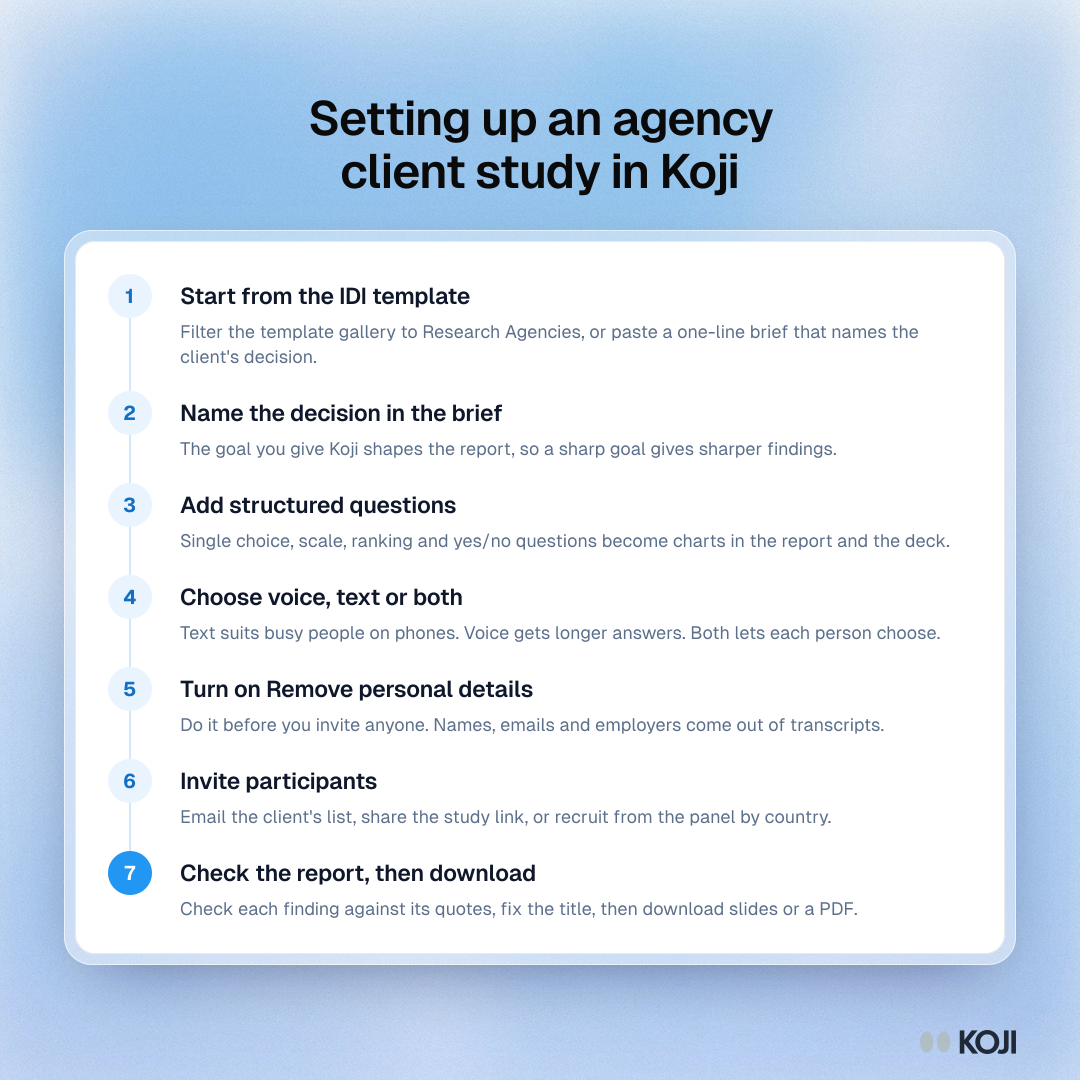
Setting up an agency client study in Koji
Seven steps from template to a deck worth editing
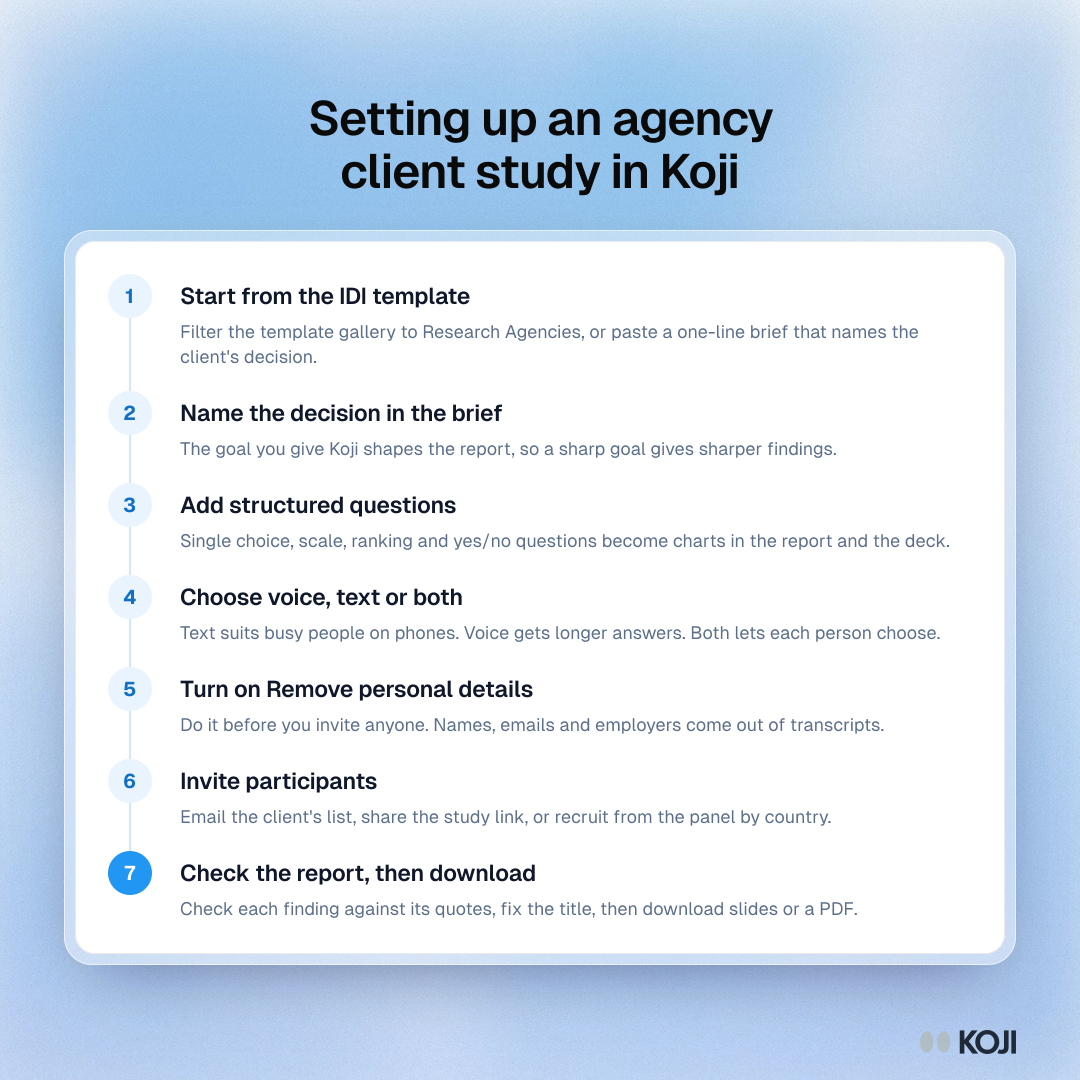
A seven-step setup for research agencies running a client study with AI-moderated interviews in Koji: start from the in-depth interview template, name the client's decision in the brief, add structured questions, choose voice or text, remove personal details, invite participants, and check the report before downloading an editable deck or PDF.
Where this appears
What's in this process
- Start from the IDI template: Filter the template gallery to Research Agencies, or paste a one-line brief that names the client's decision.
- Name the decision in the brief: The goal you give Koji shapes the report, so a sharp goal gives sharper findings.
- Add structured questions: Single choice, scale, ranking and yes/no questions become charts in the report and the deck.
- Choose voice, text or both: Text suits busy people on phones. Voice gets longer answers. Both lets each person choose.
- Turn on Remove personal details: Do it before you invite anyone. Names, emails and employers come out of transcripts.
- Invite participants: Email the client's list, share the study link, or recruit from the panel by country.
- Check the report, then download: Check each finding against its quotes, fix the title, then download slides or a PDF.
Use this image
Free to use in your docs, decks and posts under CC BY 4.0, as long as you credit Koji with a link to this page. To embed it, paste this into your page:
html
<a href="https://www.koji.so/visuals/agency-client-study-setup-in-koji-steps"><img src="https://www.koji.so/visuals/agency-client-study-setup-in-koji-steps/agency-client-study-setup-in-koji-steps.png" alt="Process for setting up an agency client study in Koji in seven steps, from the IDI template to checking the report and downloading the deck." width="1080" height="1080" /></a>
<p>Source: <a href="https://www.koji.so/visuals/agency-client-study-setup-in-koji-steps">Setting up an agency client study in Koji</a>, Koji</p>