Process
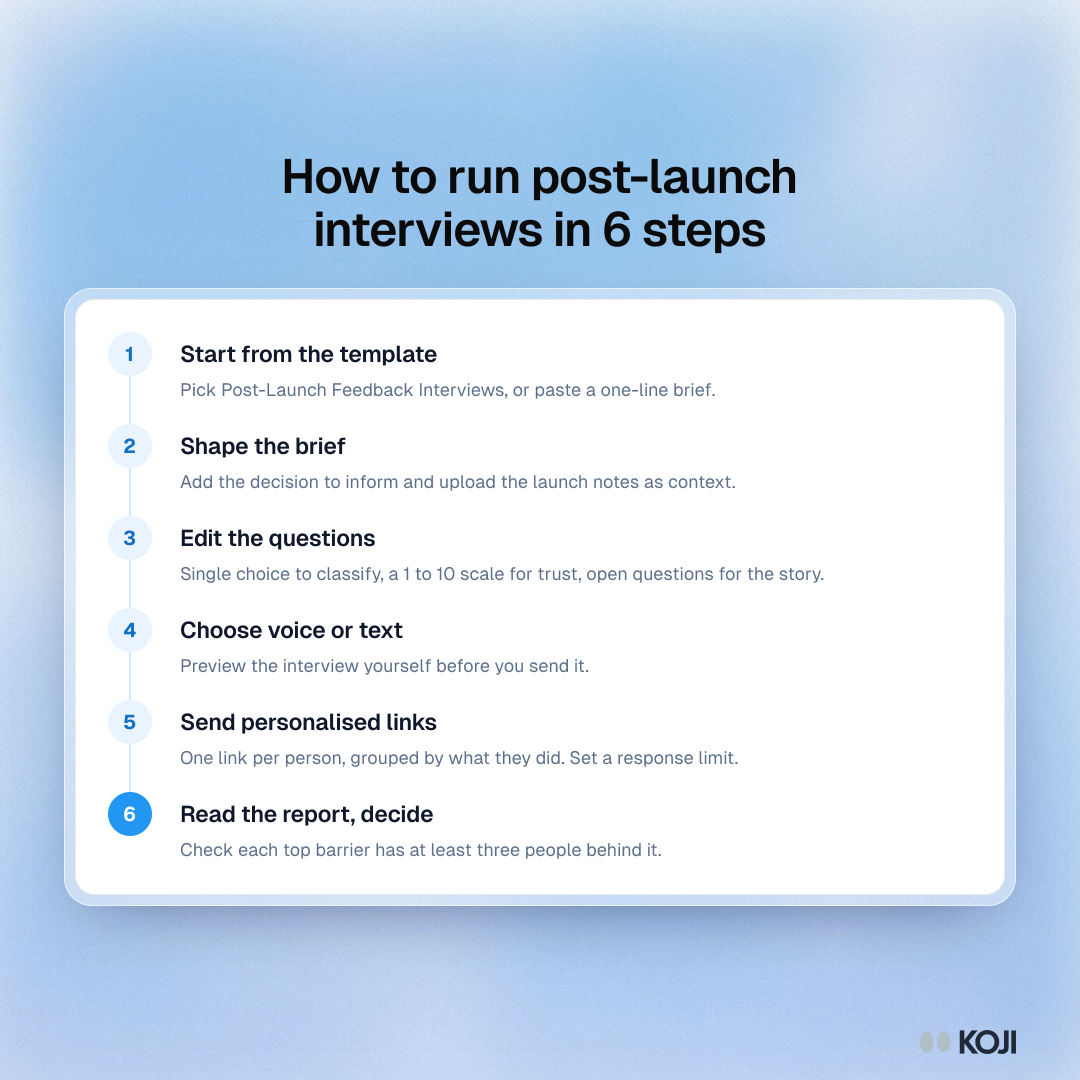
How to run post-launch interviews in 6 steps
From template to day-28 decision
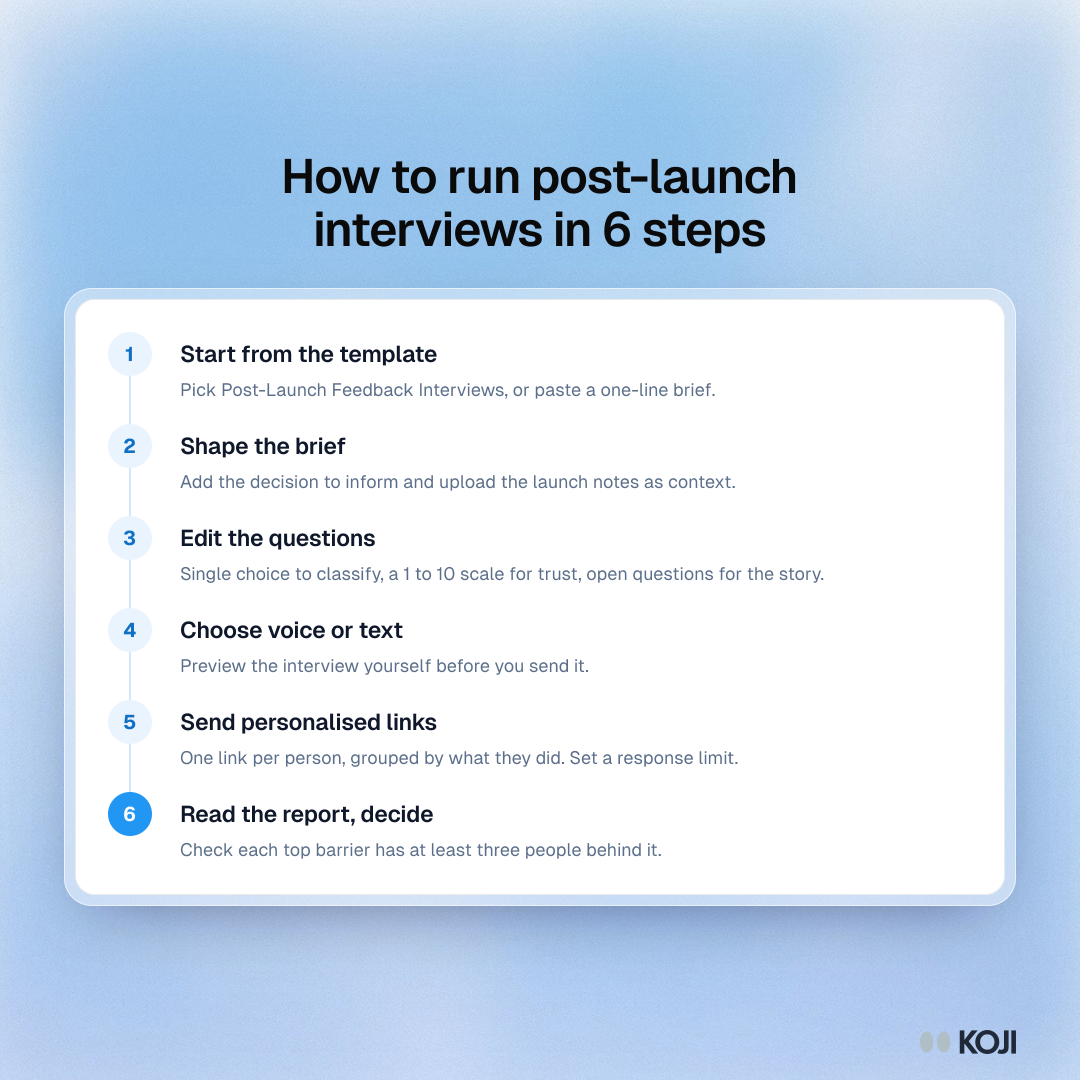
A six-step process for running interviews in the first 30 days after a product launch. It is for product managers who want to learn why users did not adopt a new feature. Start from a template, shape the brief, edit the questions, choose voice or text, send personalised links by behaviour group and read the report before the day-28 review. Koji runs the interviews and builds the report.
Where this appears
What's in this process
- Start from the template: Pick Post-Launch Feedback Interviews, or paste a one-line brief.
- Shape the brief: Add the decision to inform and upload the launch notes as context.
- Edit the questions: Single choice to classify, a 1 to 10 scale for trust, open questions for the story.
- Choose voice or text: Preview the interview yourself before you send it.
- Send personalised links: One link per person, grouped by what they did. Set a response limit.
- Read the report, decide: Check each top barrier has at least three people behind it.
Use this image
Free to use in your docs, decks and posts under CC BY 4.0, as long as you credit Koji with a link to this page. To embed it, paste this into your page:
html
<a href="https://www.koji.so/visuals/launch-window-interviews-setup-steps"><img src="https://www.koji.so/visuals/launch-window-interviews-setup-steps/launch-window-interviews-setup-steps.png" alt="Process showing six steps to run post-launch interviews in Koji: template, brief, questions, voice or text, personalised links, report and decision." width="1080" height="1080" /></a>
<p>Source: <a href="https://www.koji.so/visuals/launch-window-interviews-setup-steps">How to run post-launch interviews in 6 steps</a>, Koji</p>