Process
How to run a rainbow spreadsheet
Synthesise usability sessions as a team while they happen
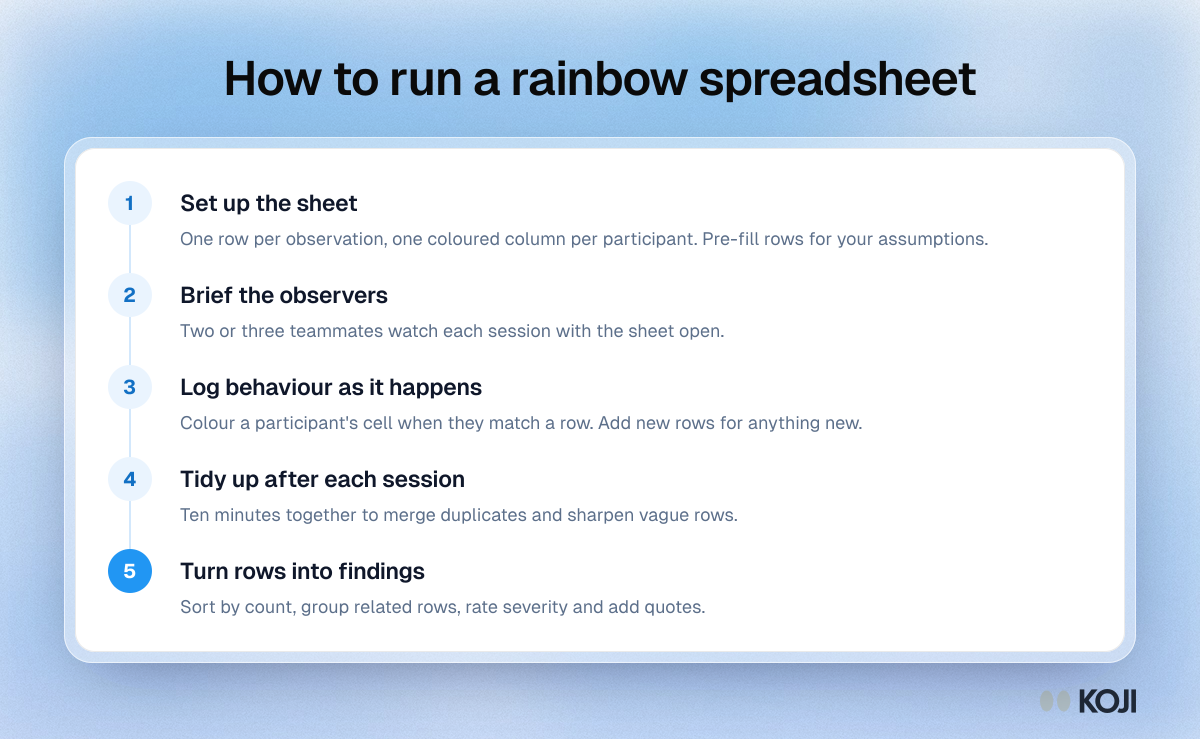
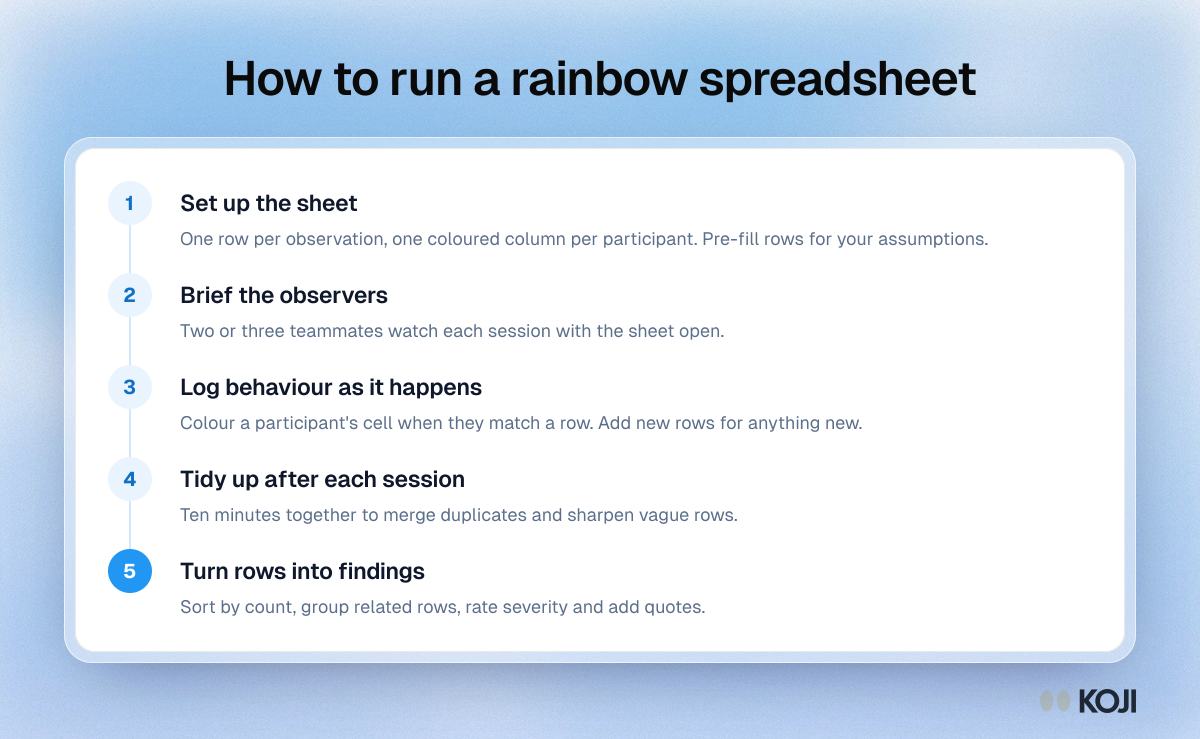
Five steps for running a rainbow spreadsheet, the shared sheet where each participant gets a colour and observers colour cells as they watch usability sessions. It covers setting up the sheet, briefing observers, logging behaviour live, a short debrief after each session and turning the most coloured rows into findings. Based on the method Tomer Sharon described in 2013.
Where this appears
What's in this process
- Set up the sheet: One row per observation, one coloured column per participant. Pre-fill rows for your assumptions.
- Brief the observers: Two or three teammates watch each session with the sheet open.
- Log behaviour as it happens: Colour a participant's cell when they match a row. Add new rows for anything new.
- Tidy up after each session: Ten minutes together to merge duplicates and sharpen vague rows.
- Turn rows into findings: Sort by count, group related rows, rate severity and add quotes.
Use this image
Free to use in your docs, decks and posts under CC BY 4.0, as long as you credit Koji with a link to this page. To embed it, paste this into your page:
html
<a href="https://www.koji.so/visuals/rainbow-spreadsheet-process-steps"><img src="https://www.koji.so/visuals/rainbow-spreadsheet-process-steps/rainbow-spreadsheet-process-steps.png" alt="Process showing five steps to run a rainbow spreadsheet: set up the sheet, brief observers, log during sessions, debrief and turn rows into findings" width="1200" height="739" /></a>
<p>Source: <a href="https://www.koji.so/visuals/rainbow-spreadsheet-process-steps">How to run a rainbow spreadsheet</a>, Koji</p>