Process
Workflow triage interviews in Koji, step by step
From template to a triage table in about two weeks
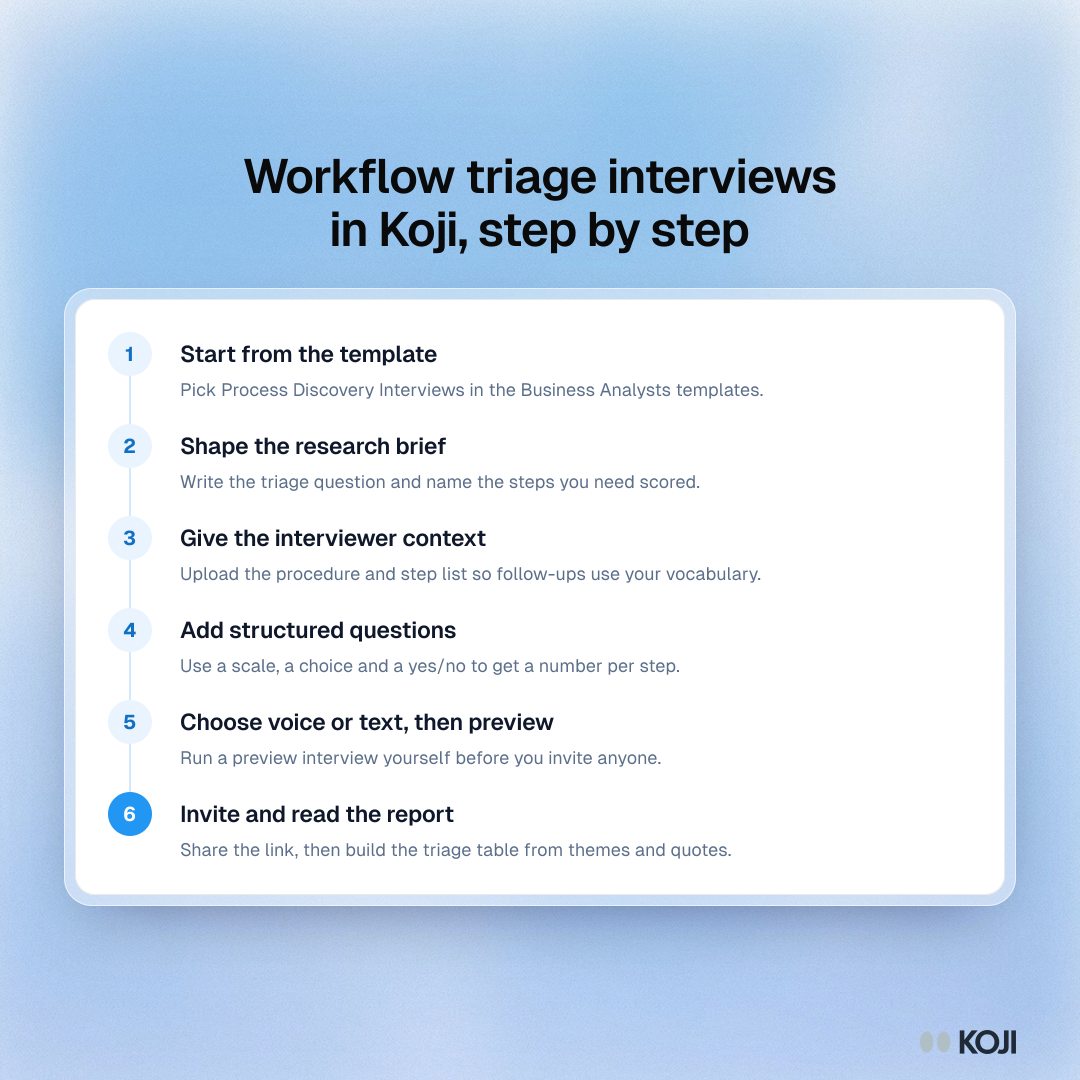
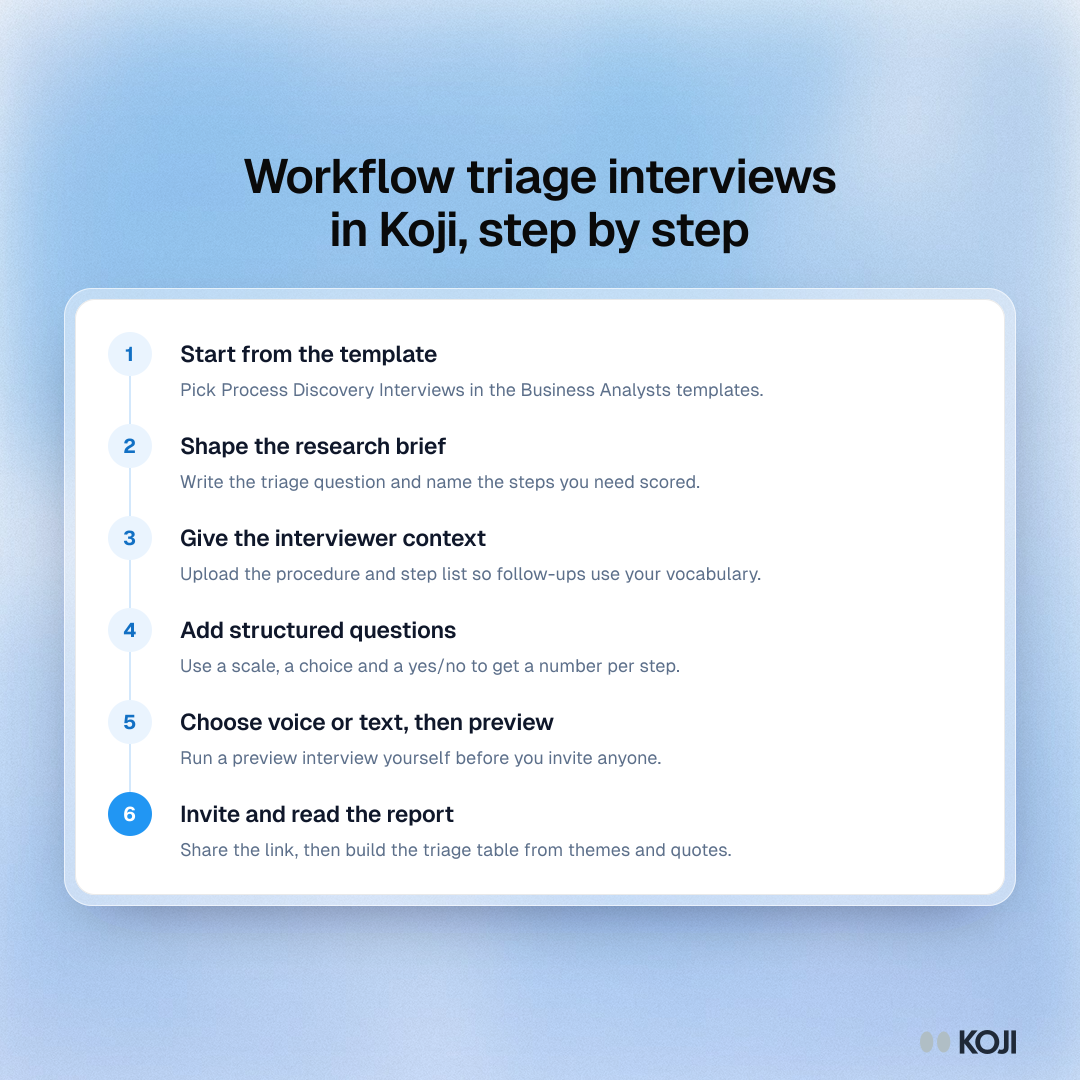
The setup sequence for running workflow triage interviews in Koji. Start from the Process Discovery Interviews template, write the triage question into the brief, upload the procedure as context, add scale and choice questions, preview the interview and share the link. The report then gives themes and quotes per step for the triage table.
Where this appears
What's in this process
- Start from the template: Pick Process Discovery Interviews in the Business Analysts templates.
- Shape the research brief: Write the triage question and name the steps you need scored.
- Give the interviewer context: Upload the procedure and step list so follow-ups use your vocabulary.
- Add structured questions: Use a scale, a choice and a yes/no to get a number per step.
- Choose voice or text, then preview: Run a preview interview yourself before you invite anyone.
- Invite and read the report: Share the link, then build the triage table from themes and quotes.
Use this image
Free to use in your docs, decks and posts under CC BY 4.0, as long as you credit Koji with a link to this page. To embed it, paste this into your page:
html
<a href="https://www.koji.so/visuals/workflow-triage-interviews-in-koji-setup-steps"><img src="https://www.koji.so/visuals/workflow-triage-interviews-in-koji-setup-steps/workflow-triage-interviews-in-koji-setup-steps.png" alt="Process showing six steps to run workflow triage interviews in Koji, from the template and brief to previewing, inviting people and reading the report." width="1080" height="1080" /></a>
<p>Source: <a href="https://www.koji.so/visuals/workflow-triage-interviews-in-koji-setup-steps">Workflow triage interviews in Koji, step by step</a>, Koji</p>