Checklist
What to look for in a research repository tool
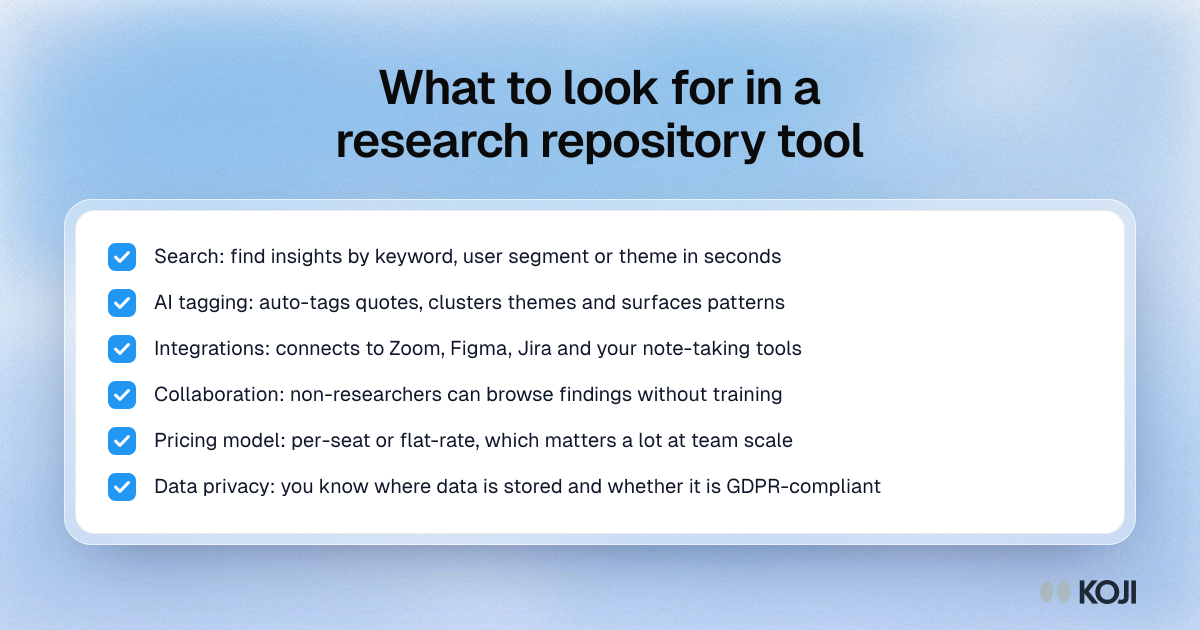
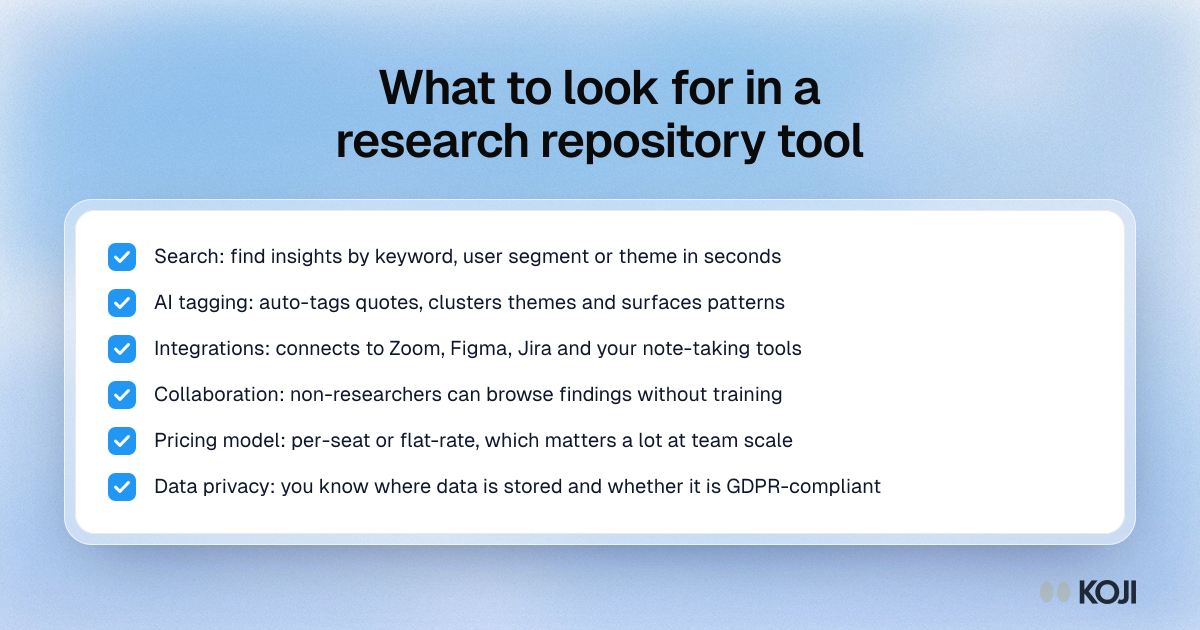
A six-point checklist for choosing a UX research repository. It covers how fast you can find an insight, whether the tool tags and clusters quotes for you, which tools it connects to, whether non-researchers can use it, how the pricing model scales and where your data lives. Use it to set criteria before you shortlist vendors. Koji keeps every study, quote and report in one place because it runs the interviews too.
Where this appears
What's in this checklist
- Search: find insights by keyword, user segment or theme in seconds
- AI tagging: auto-tags quotes, clusters themes and surfaces patterns
- Integrations: connects to Zoom, Figma, Jira and your note-taking tools
- Collaboration: non-researchers can browse findings without training
- Pricing model: per-seat or flat-rate, which matters a lot at team scale
- Data privacy: you know where data is stored and whether it is GDPR-compliant
Use this image
Free to use in your docs, decks and posts under CC BY 4.0, as long as you credit Koji with a link to this page. To embed it, paste this into your page:
html
<a href="https://www.koji.so/visuals/research-repository-tool-selection-checklist"><img src="https://www.koji.so/visuals/research-repository-tool-selection-checklist/research-repository-tool-selection-checklist.png" alt="Checklist of six things to check in a UX research repository tool: search, AI tagging, integrations, collaboration, pricing model and privacy." width="1200" height="630" /></a>
<p>Source: <a href="https://www.koji.so/visuals/research-repository-tool-selection-checklist">What to look for in a research repository tool</a>, Koji</p>